Fast visitor lookup
Allow visitors to search tenants, offices, departments, facilities, floors, amenities or categories through a clear touchscreen interface.

PearlQuest creates digital building directories and interactive wayfinding kiosks for towers, office lobbies, malls, campuses, exhibitions, hospitals, mixed-use developments and public venues.
We help visitors search, locate, understand and move through a space with touchscreen directories, floor maps, tenant listings, CMS-controlled updates, multilingual interfaces, QR handoff and brand-aligned lobby experiences.
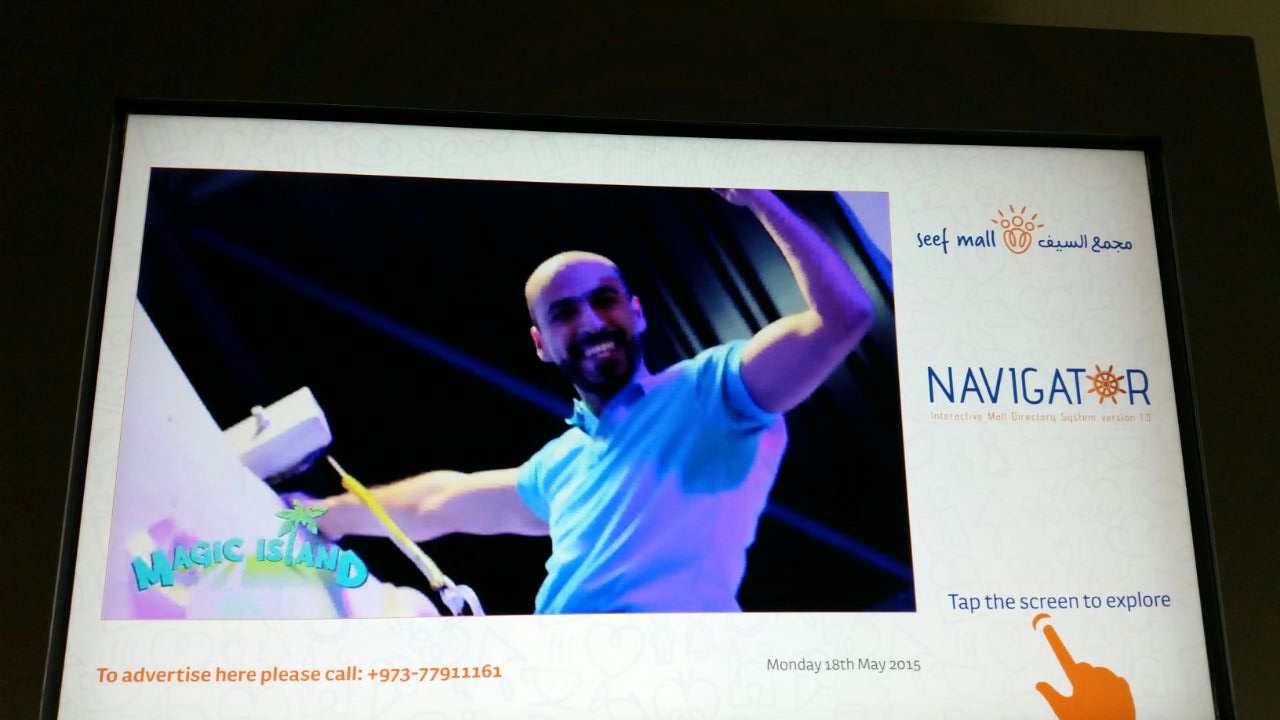
Building directory and wayfinding kiosks are interactive digital touchpoints that help visitors find tenants, offices, departments, floors, facilities, amenities and routes inside a building or venue. They replace static directory boards with searchable touchscreen interfaces, live CMS updates, maps, branding, multilingual content, QR directions and visitor-friendly navigation. They are used in commercial towers, malls, hospitals, campuses, real estate developments, exhibitions and public venues to reduce confusion, improve first impressions and make navigation easier.
Are visitors still asking security, reception or passers-by where to go?
PearlQuest designs and develops custom digital directory kiosks that make buildings easier to navigate, easier to update and more aligned with the quality of the space.
Allow visitors to search tenants, offices, departments, facilities, floors, amenities or categories through a clear touchscreen interface.
Show floor maps, zone information, route prompts, lift/lobby references, QR handoff and directional guidance.
Give administrators the ability to update listings, names, logos, floor details, announcements and content without redesigning signage.
Premium touchscreen directory displays for towers, commercial buildings, corporate lobbies and mixed-use developments.
Searchable tenant lists with logos, office numbers, floor details, categories and quick-update CMS control.
Map-based interfaces that help visitors identify floors, zones, routes, facilities and nearby points of interest.
Navigation kiosks for retail destinations, public venues, exhibitions, campuses and complex visitor environments.
English, Arabic and multilingual interfaces designed for diverse visitors in UAE and GCC venues.
Use the same screen for directory listings, announcements, emergency messages, promotions or venue content.
Streamline Visitor Navigation and Boost Mall Engagement Large retail spaces often frustrate shoppers trying to find specific stores....
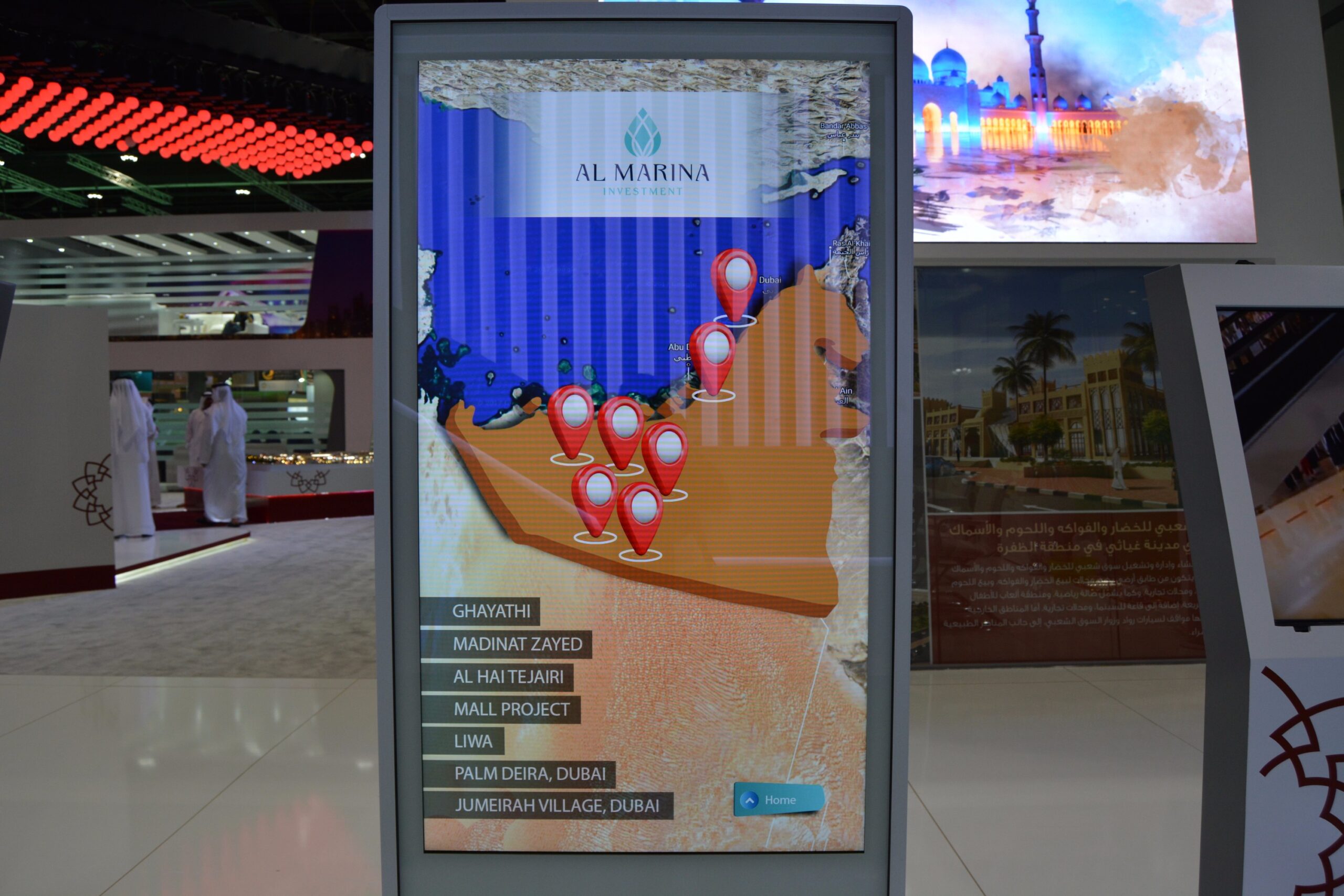
Streamline Navigation and Captivate Users with Interactive Touchpoints Al Marina Investment needed a dynamic way to showcase their...
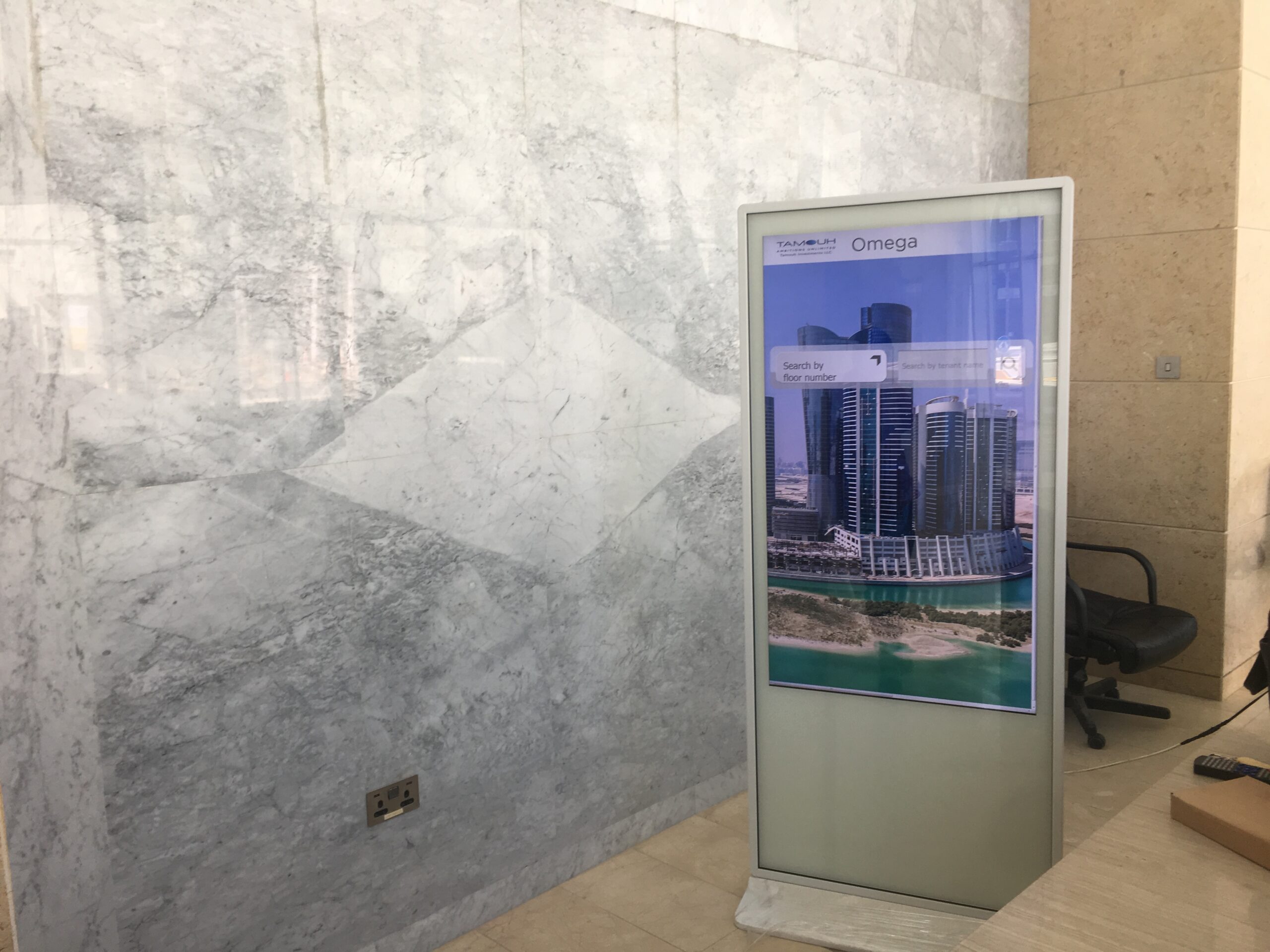
Enhancing the visitor experience at Reem Island with intuitive wayfinding and real-time tenant updates. Navigating a premium skyscraper...

Interactive Kiosk Captivates Lobby Visitors and Boosts Management Efficiency Stepping into a modern building lobby, you expect clarity,...

Custom Digital Signage and CMS Solution for Seamless Building Wayfinding Walk into a modern lobby, and the...
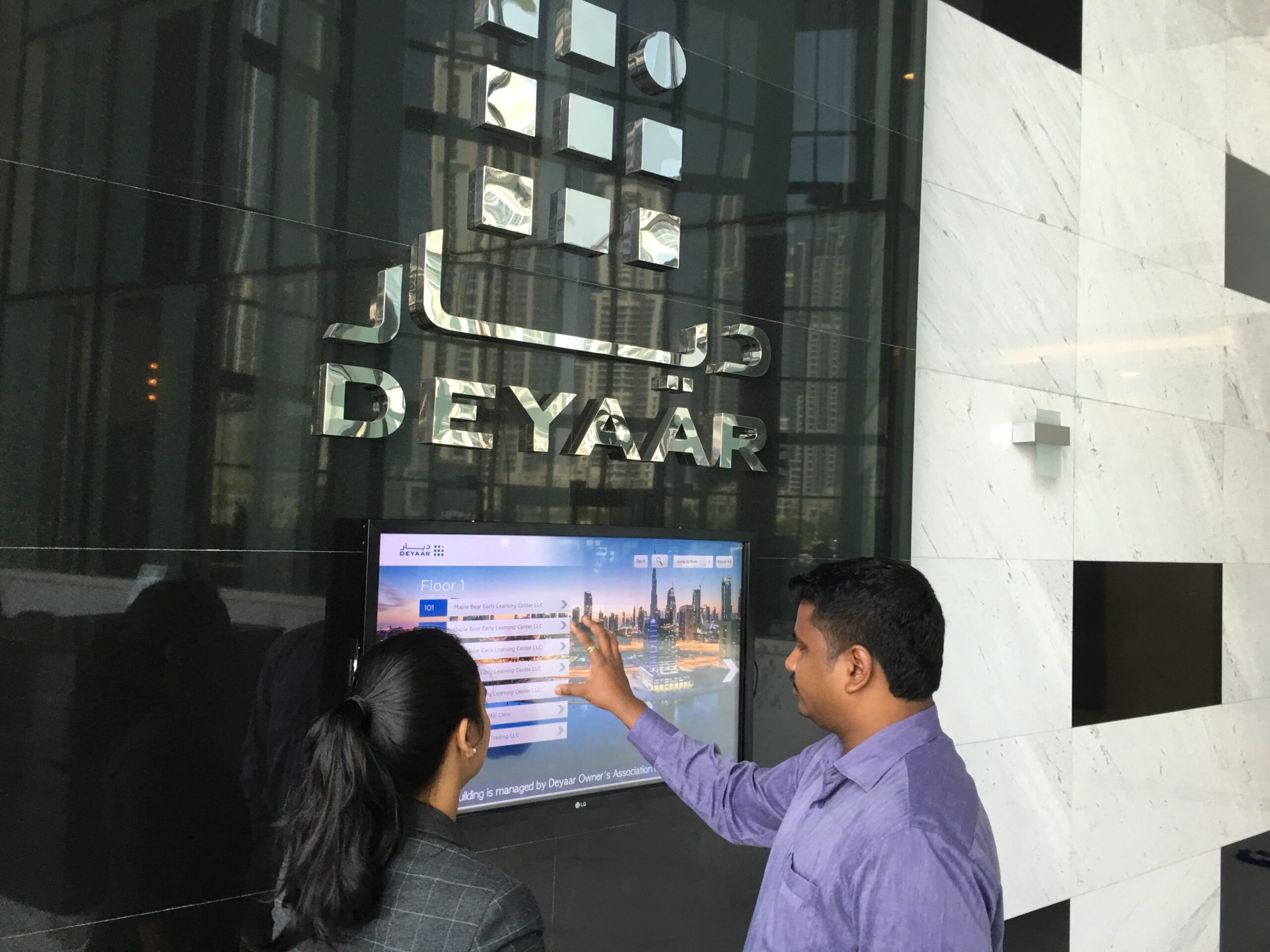
How PearlQuest Streamlined Wayfinding and Tenant Information at a Prime Dubai Location Stepping into the lobby of Deyaar’s...

Interactive Touchpoints that Elevate Visitor Experience and Streamline Building Management in Abu Dhabi. The first impression of a...
Good wayfinding reduces friction before the visitor even reaches their destination.
A building directory is not just a list of names. It is part of the arrival experience. When a visitor can search quickly, understand where to go and trust that the information is current, the building feels more professional and easier to navigate.
Digital directories also solve an operational problem. Tenants change, departments move, facilities get renamed and announcements need to be updated. A CMS-controlled directory helps your team make these changes without printing new signs.
We define the content structure, search logic, map behaviour, CMS control, hardware format and installation approach before development begins.
Touchscreens, search fields, category filters, QR handoff, multilingual selection, accessibility-friendly navigation and admin inputs.
Tenant database, floor mapping, logo management, announcements, emergency messages, content scheduling and remote updates.
Freestanding kiosks, wall-mounted displays, portrait screens, lobby screens, multi-screen directories and branded wayfinding interfaces.
We understand the venue, audience, content, operational flow, brand requirements, data needs, hardware constraints and success metrics.
We map the user journey, screen flow, information architecture, interaction logic, visual direction and conversion points.
We define displays, kiosks, sensors, CMS, content workflows, integrations, enclosures and installation requirements.
We create the software, integrate hardware, configure CMS logic, connect data flows and prepare deployment builds.
We test usability, content behaviour, hardware reliability, performance, offline scenarios and real-world visitor interaction.
We support installation, setup, handover and operation based on the project environment and scope.
PearlQuest combines user experience strategy, interface design, software planning, hardware coordination, outsourced development management, QA/QC and event/venue deployment understanding.
We design for real users in public spaces, not just internal stakeholders reviewing screens in a meeting.
We consider screens, enclosures, sensors, connectivity, installation conditions and maintenance realities early.
We focus on testing, operational flow, content control, support needs and the practical realities of live visitor environments.
It is a touchscreen or digital display system that lets visitors search for tenants, offices, departments, floors, facilities or routes inside a building or venue.
Yes. PearlQuest can provide a CMS so administrators can update tenant names, logos, addresses, floor details, announcements and other content.
Yes. The system can include floor maps, zones, route prompts, QR handoff and wayfinding information depending on the building layout.
Yes. The interface can be designed around the property brand, lobby style, colour system, typography and information architecture.
PearlQuest can help specify, source and integrate touchscreen displays, kiosks, mounts, enclosures and required hardware depending on the project.
Yes. PearlQuest has delivered digital building directory solutions for clients including Brookfield Multiplex, Deyaar, Aspin Tower and HDS Tower.
Tell us about your building, lobby, tenants, floors and visitor journey. PearlQuest will help design a digital directory or wayfinding kiosk that is clear, premium and easy to manage.