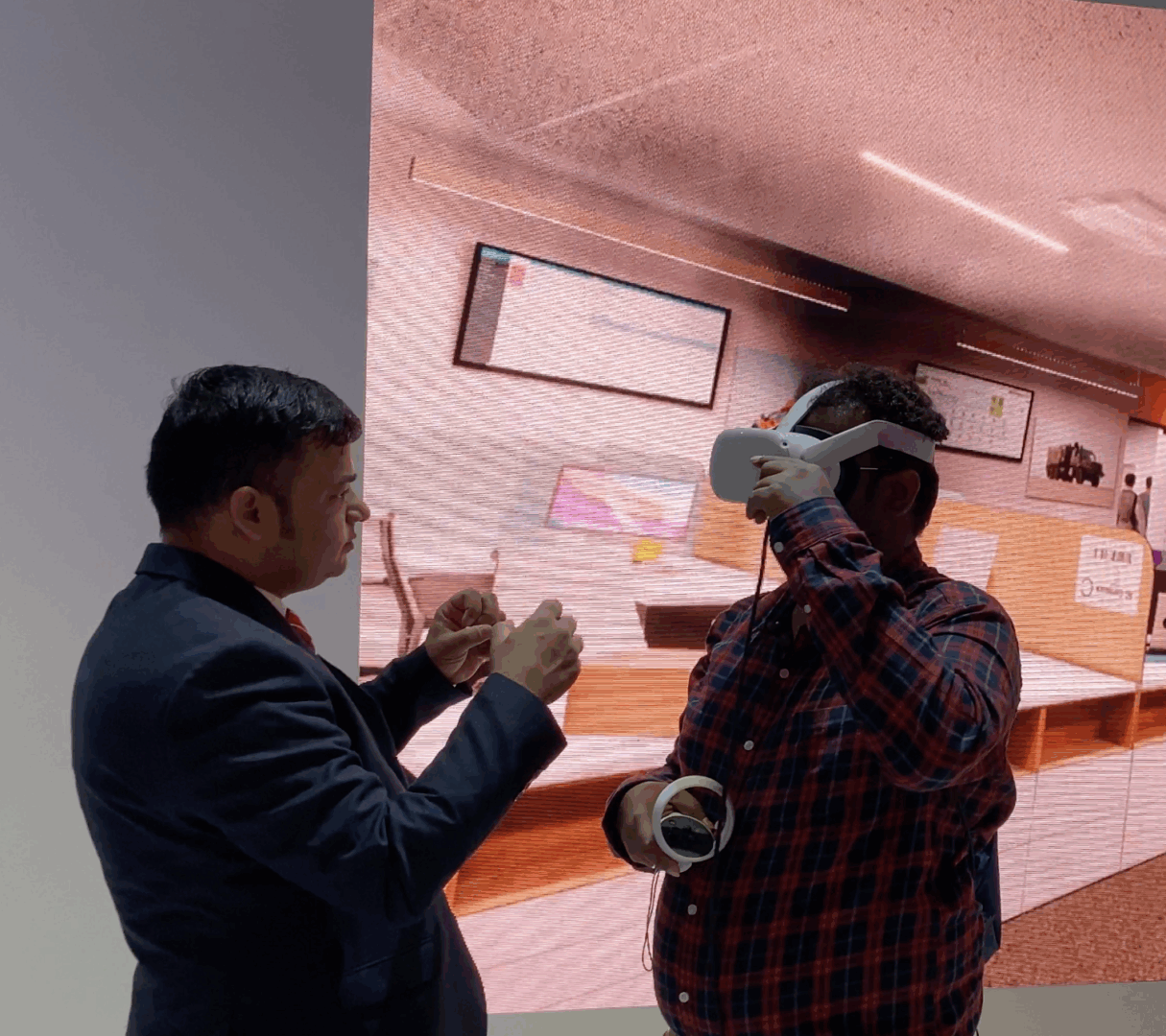
PearlQuest develops interactive training experiences using VR, MR and custom 3D scenarios. These formats let learners explore environments, practise decisions and repeat procedures in a simulated setting.
Start with the learning objective and approved procedure, then choose a delivery format suited to the learners, hardware and deployment location.
A simulation can guide learners through a workplace, present a decision or demonstrate a procedure. The right format depends on what learners need to recognise, practise or explain.
Define the assessment criteria with your subject-matter experts. Simulated training should support, not replace, required real-world instruction or competency checks.
Share the relevant SOPs, workflows and learning objectives so the experience can be scoped around the actual task. Identify the decisions, actions and feedback learners need.
Agree how the training will be evaluated before development: for example, task completion, correct decisions or facilitator observations. Any improvement claim needs a baseline and measured results from your own programme.
Confirm hardware, languages, accessibility needs, supervision and deployment requirements with the project team.

Explore the simulation formats below, then discuss which interaction best fits the task your learners need to practise.
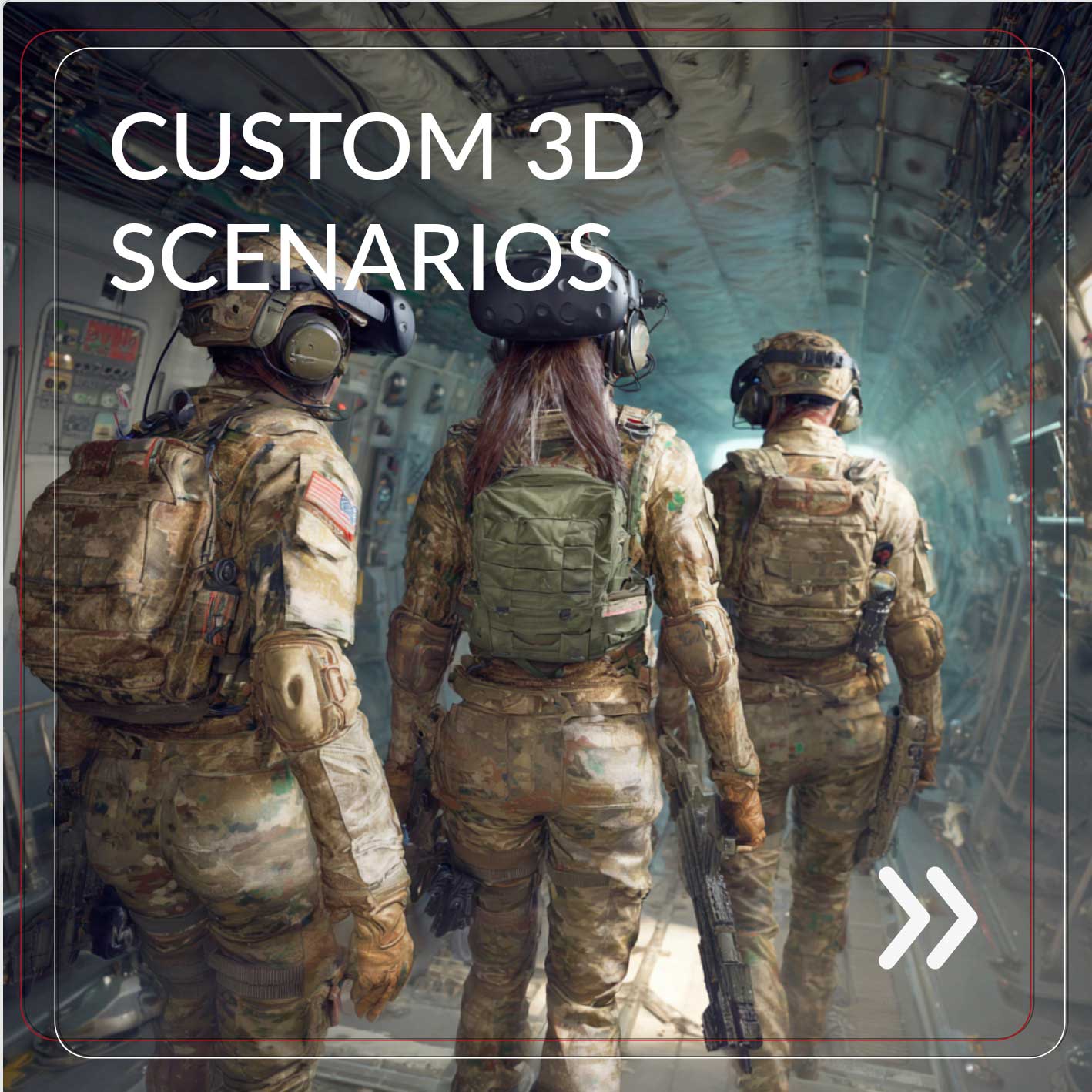
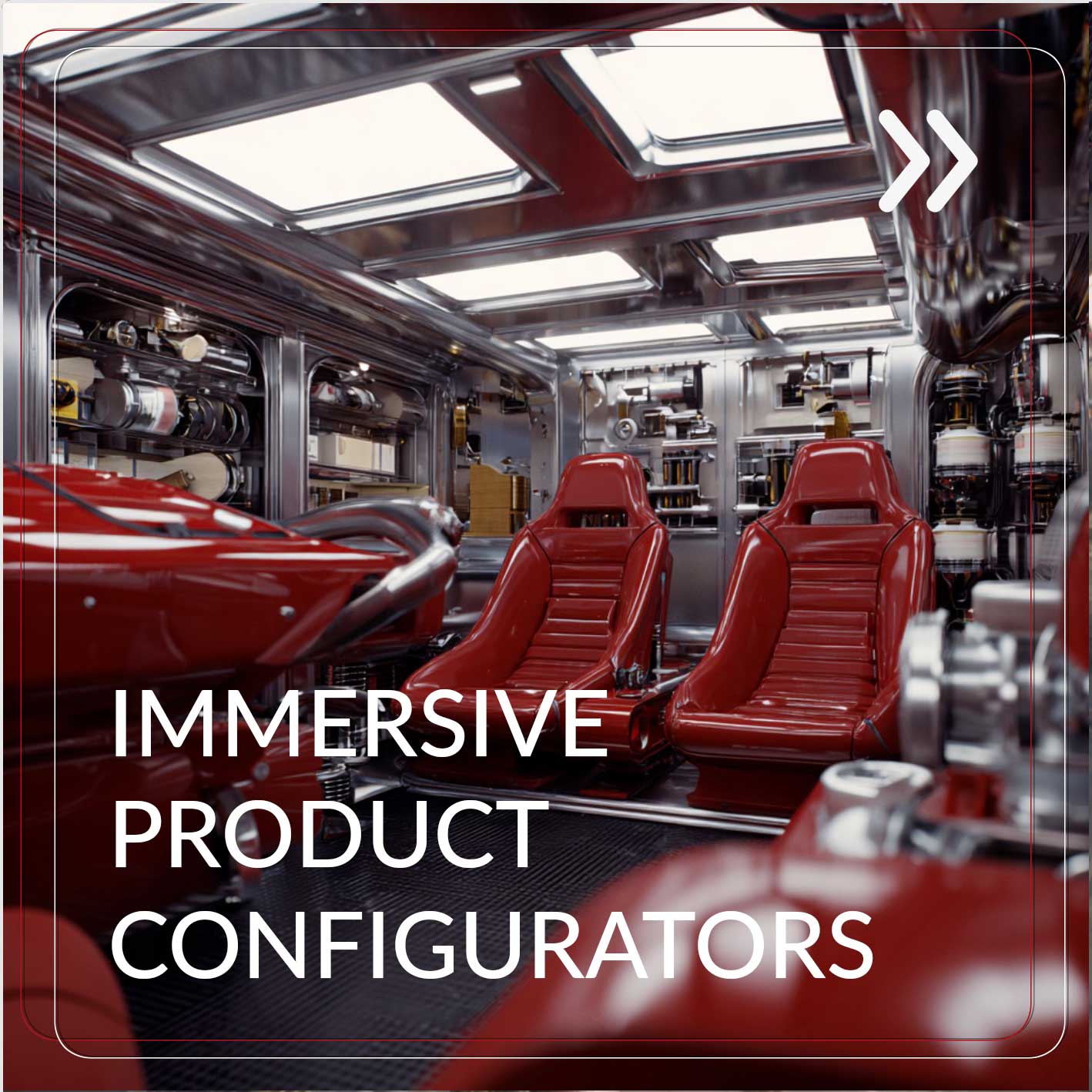
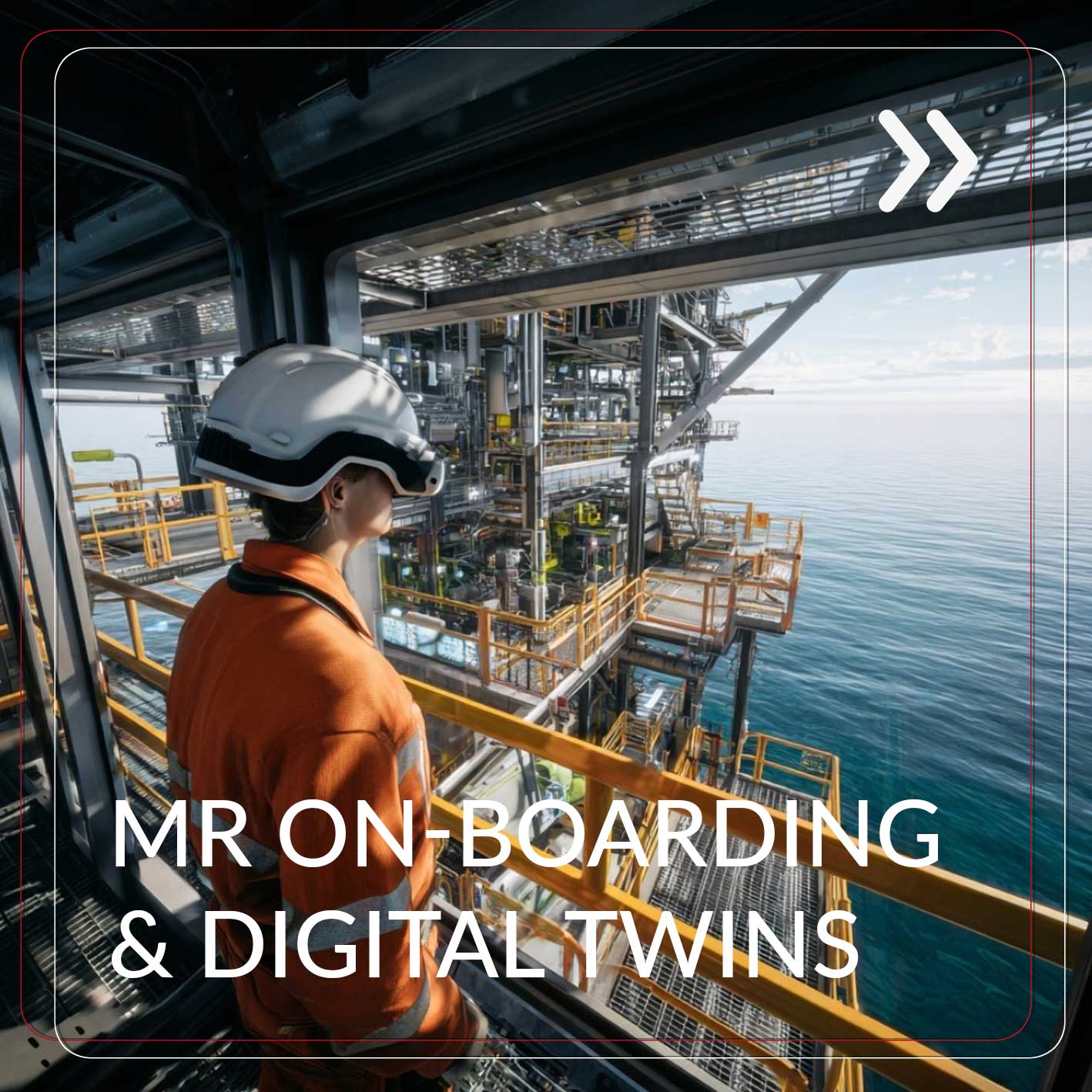
Options include custom 3D scenarios, VR safety training, MR onboarding, digital twins and product demonstrations. Scope the content and interaction around the learning or demonstration objective.
Choose a format based on the task, learner environment and available hardware.
Discuss a training or simulation brief: include your learning objective, audience, approved procedures, delivery location and hardware.