Screen strategy and locations
Define where screens should be placed, what each screen should communicate and how content should change by context.

PearlQuest helps plan, deploy and manage digital signage networks for retail, real estate, corporate, hospitality, exhibitions, public venues and multi-location environments.
We combine digital signage CMS platforms, display hardware, content scheduling, playlist logic, zone management, remote updates, monitoring, proof-of-play workflows and design support to help organisations control screen communication at scale.
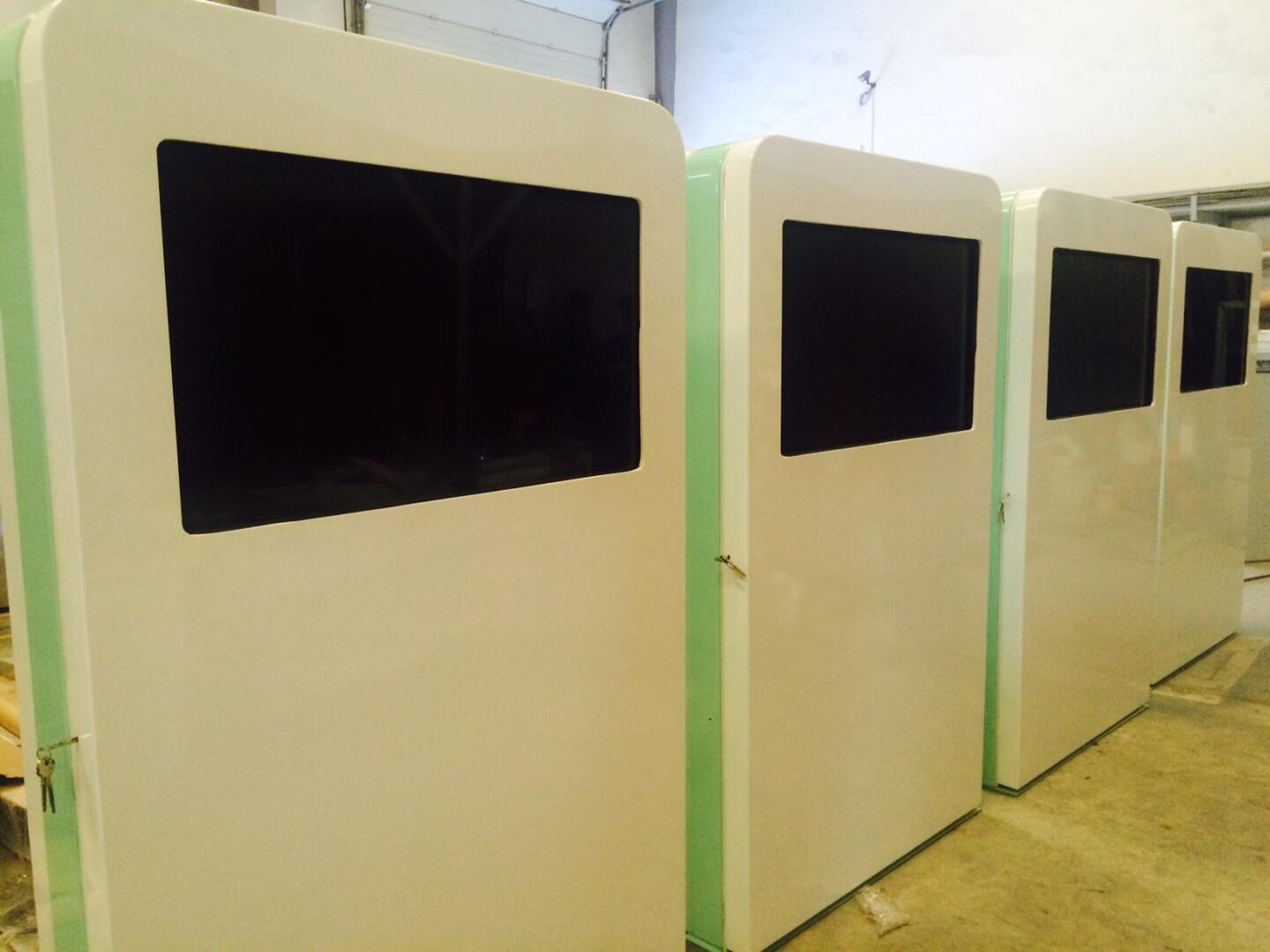
A managed signage network is a system of connected digital screens controlled through a central CMS so content can be scheduled, updated, targeted, monitored and managed across one or many locations. It can include lobby screens, retail displays, menu boards, wayfinding screens, internal communication displays, event screens, advertising networks and campaign displays. Managed signage helps organisations keep content current, reduce manual updates, improve brand consistency, run promotions and communicate with visitors or customers in real time.
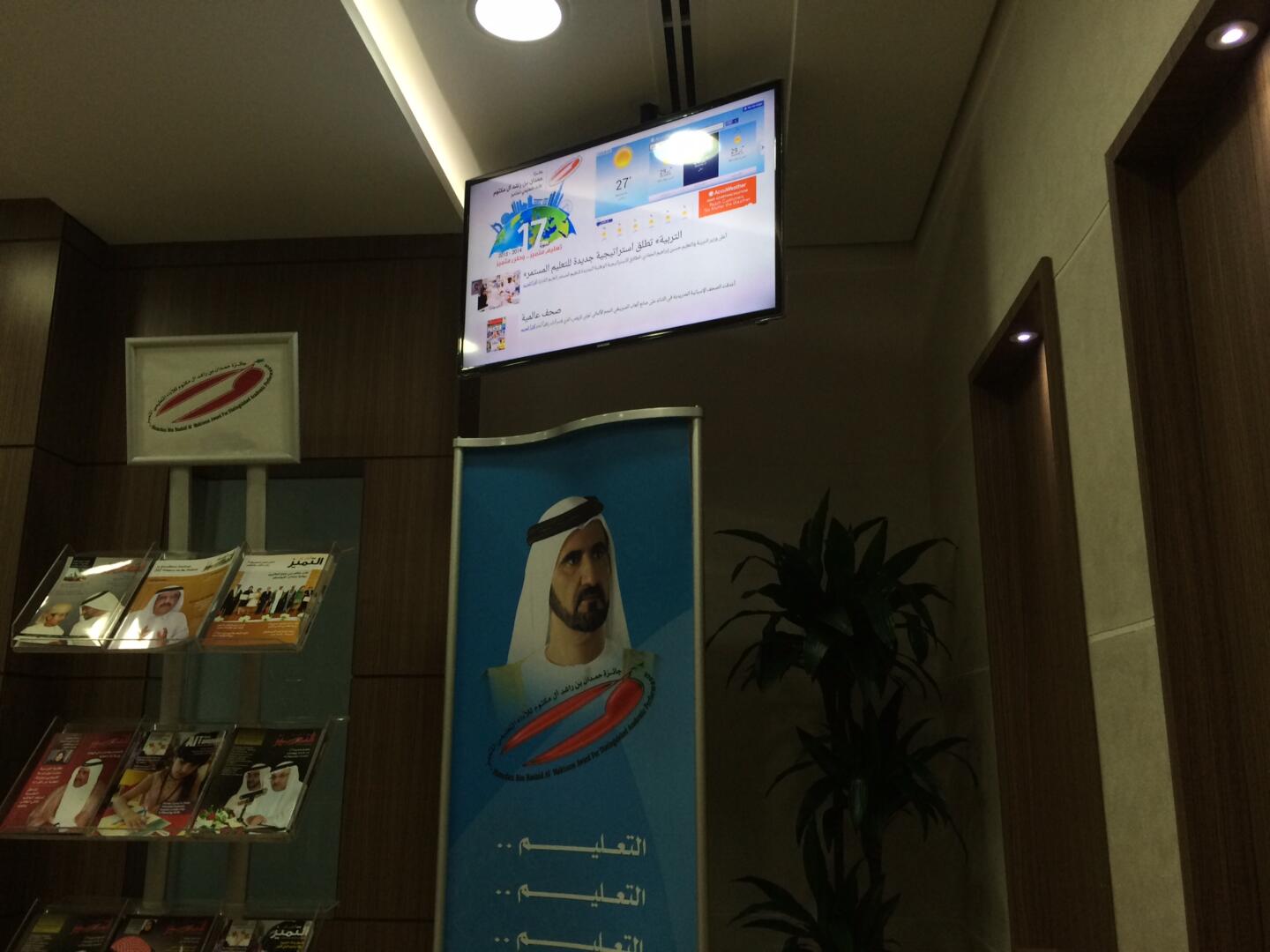
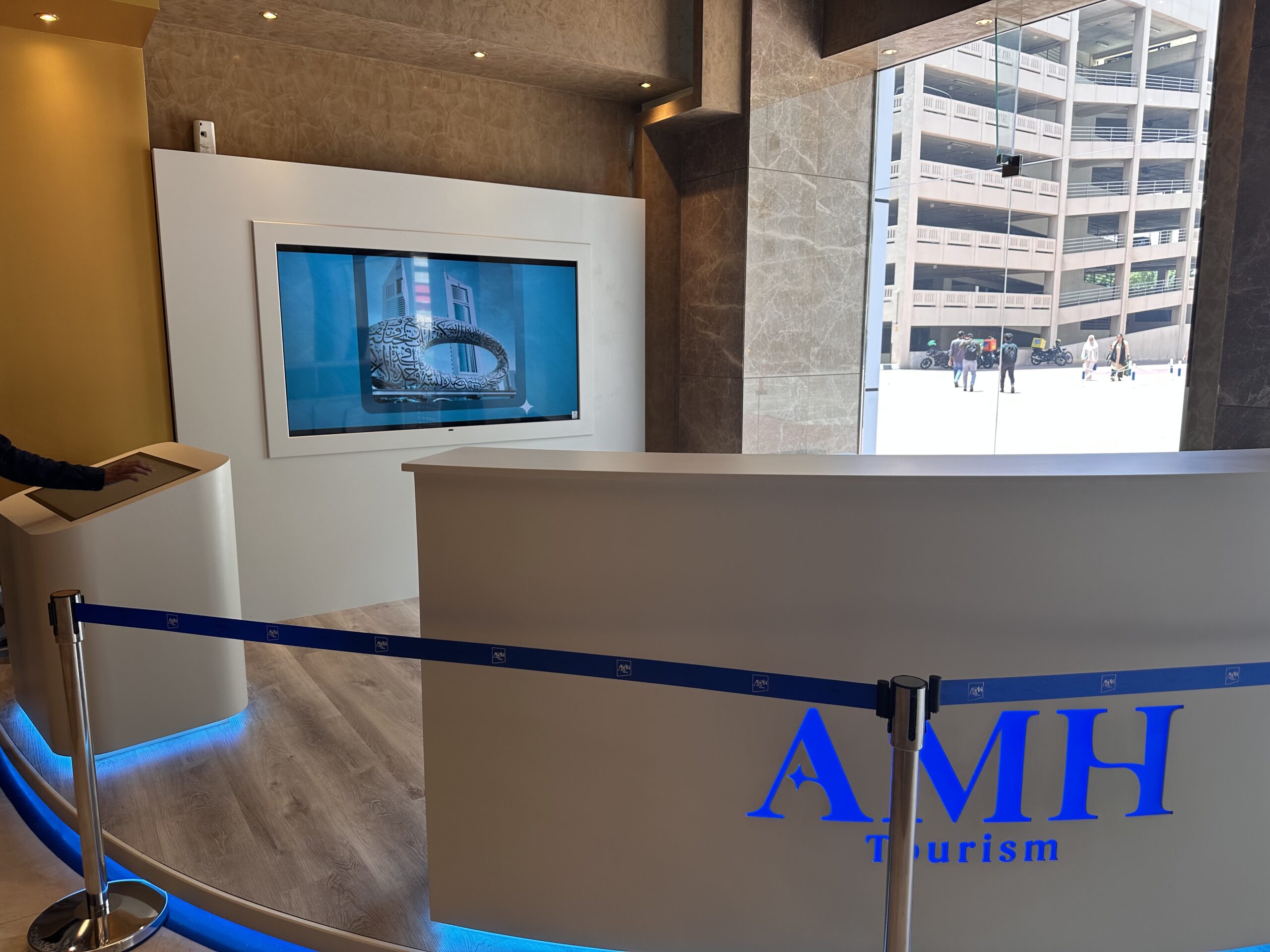
Are multiple screens across your locations becoming difficult to manage?
PearlQuest helps organisations move from isolated screens to managed digital signage systems that can be updated, scheduled and controlled with purpose.
Define where screens should be placed, what each screen should communicate and how content should change by context.
Use playlists, schedules, zones, approval workflows and remote updates to manage content efficiently.
Support retail chains, corporate networks, real estate portfolios, venues and events with consistent communication across many screens.
Promotional screens, product displays, campaign loops, offer boards and location-specific content schedules.
Internal announcements, HR messages, dashboards, visitor welcomes and office communication screens.
Building announcements, tenant content, wayfinding prompts, property updates and premium lobby displays.
Digital menu boards, service displays, queue messages, price updates and dayparted content.
Schedules, sponsor loops, booth messages, hall information, live updates and venue communication.
Screen networks with playlist control, campaign rotations, proof-of-play workflows and targeted content zones.
See how bespoke design and seamless integration transform institutional communication. Walk into a modern educational space, and...
Showcasing seamless content control across 20+ interactive screens in Dubai. Imagine effortless control over all your building’s digital...
Dynamic Displays: Managed Signage Networks PearlQuest delivered a powerful digital signage system for Aspin AMH’s lobby booth. This...

Interactive Kiosks & Touchpoints Case Study: Elevating the Sharjah International Children’s Film Festival (SICFF) 2017 The Sharjah...
Digital signage is only powerful when the content is current, relevant and controlled.
Many organisations already have screens, but the screens are not always managed as a network. Content becomes outdated, teams rely on manual updates and different locations show inconsistent messages.
A managed signage network gives structure. Screens can be grouped by venue, zone, purpose or audience. Content can be scheduled in advance, updated remotely and aligned with campaigns, seasons, promotions or operational needs.
We define the CMS structure, screen zones, content templates, scheduling logic, user roles, hardware needs and support model before deployment.
CMS dashboards, user roles, approvals, templates, playlists, upload workflows, campaign assets and live update inputs.
Dayparting, screen groups, remote updates, content zones, proof-of-play, monitoring, offline playback and device management.
Lobby screens, retail displays, menu boards, kiosks, wayfinding screens, LED walls, corporate displays and event networks.
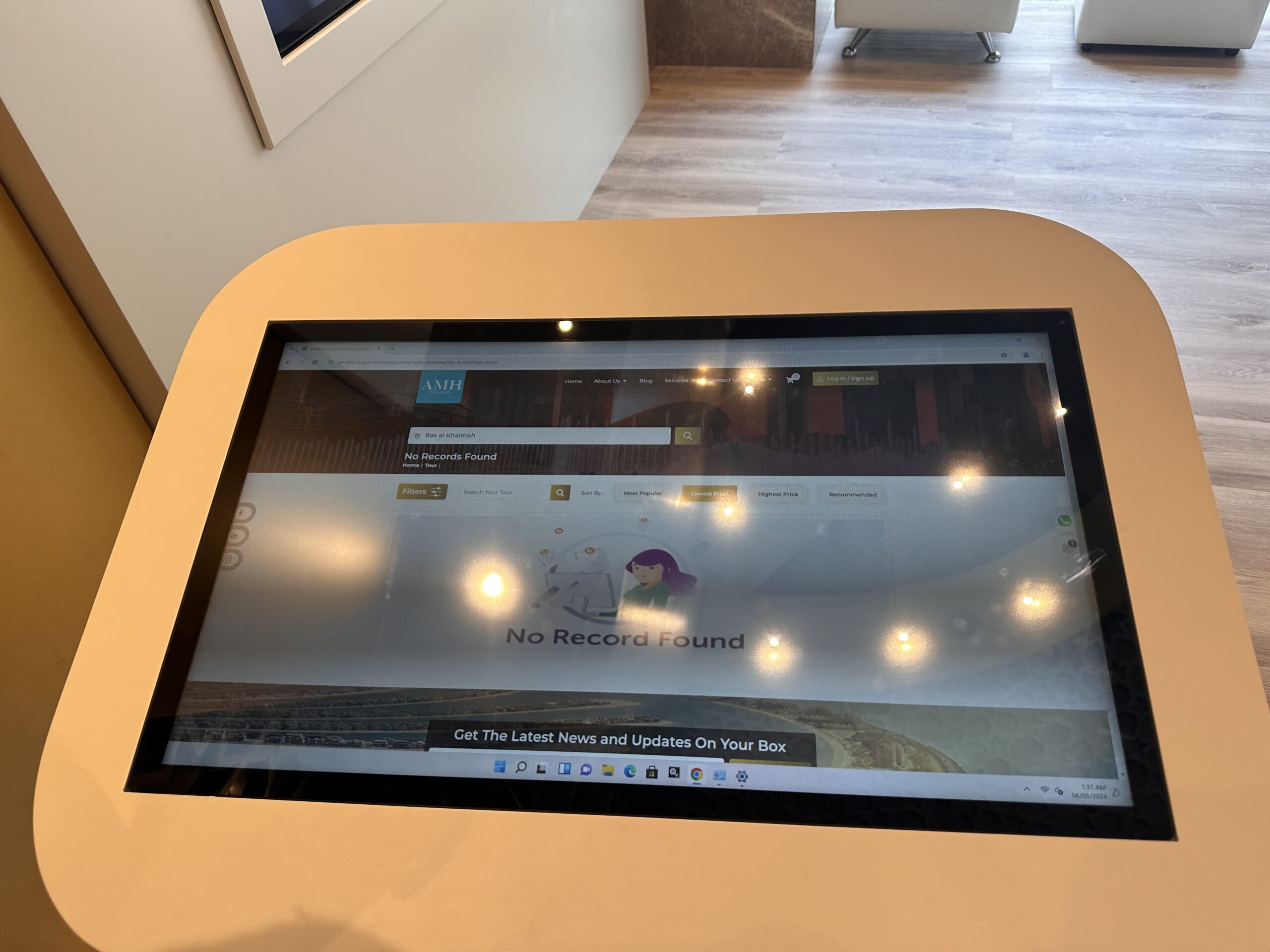
We understand the venue, audience, content, operational flow, brand requirements, data needs, hardware constraints and success metrics.
We map the user journey, screen flow, information architecture, interaction logic, visual direction and conversion points.
We define displays, kiosks, sensors, CMS, content workflows, integrations, enclosures and installation requirements.
We create the software, integrate hardware, configure CMS logic, connect data flows and prepare deployment builds.
We test usability, content behaviour, hardware reliability, performance, offline scenarios and real-world visitor interaction.
We support installation, setup, handover and operation based on the project environment and scope.
PearlQuest combines user experience strategy, interface design, software planning, hardware coordination, outsourced development management, QA/QC and event/venue deployment understanding.
We design for real users in public spaces, not just internal stakeholders reviewing screens in a meeting.
We consider screens, enclosures, sensors, connectivity, installation conditions and maintenance realities early.
We focus on testing, operational flow, content control, support needs and the practical realities of live visitor environments.
It is a network of digital screens controlled by a CMS so content can be scheduled, updated, monitored and managed across one or many locations.
Yes. Managed signage networks are designed for remote content updates, scheduling and playlist control.
Yes. Screens can be grouped by location, zone, audience, time of day, campaign or purpose.
Yes. Signage can work alongside building directories, wayfinding kiosks, lobby screens and information displays.
PearlQuest can help specify displays, media players, mounts, enclosures, CMS platforms and deployment requirements.
Yes. It is especially useful for retail chains, corporate networks, venues and property portfolios that need consistent but flexible communication.
Tell us how many screens, locations and content types you need to manage. PearlQuest will help shape a signage system that is easier to control, update and scale.