Guided product discovery
Let visitors browse categories, features, specifications, videos, brochures, FAQs, services, zones or recommendations.

PearlQuest creates product and information kiosks for retail, exhibitions, museums, real estate, showrooms, corporate spaces, healthcare, government and public venues.
We build touchscreen product catalogs, information kiosks, comparison tools, self-service interfaces, product selectors, lead-capture kiosks, digital brochures, service finders and interactive knowledge stations that help visitors explore content without waiting for staff.
Product and info kiosks are interactive touchscreen stations that help visitors explore products, services, information, locations, specifications, comparisons, brochures, forms or guided recommendations. They are used in retail, exhibitions, showrooms, museums, real estate, healthcare, government and public venues to reduce staff load, improve self-service, support sales conversations, capture leads and make complex information easier to understand.


Are prospects leaving before they fully understand your product, service or offering?
PearlQuest designs and develops product and info kiosks that help visitors explore content, compare options, understand services and take the next step.
Let visitors browse categories, features, specifications, videos, brochures, FAQs, services, zones or recommendations.
Use comparison tables, selectors, filters, product finders, configurators or guided questions to help prospects choose.
Collect enquiries, preferences, form submissions, QR handoffs, brochure requests or sales-team follow-up details.
Interactive product browsing with categories, filters, images, videos, specifications and feature highlights.
Visitor information, service directories, FAQs, forms, instructions and public-facing content access.
Help users compare products, packages, services, models, destinations or options based on their needs.
Property information, unit browsing, amenities, masterplans, floorplans, videos and enquiry capture.
Support booth teams with product explainers, interactive brochures, lead forms and presentation tools.
Interpretive content, timelines, maps, object information, quizzes, videos and guided learning journeys.
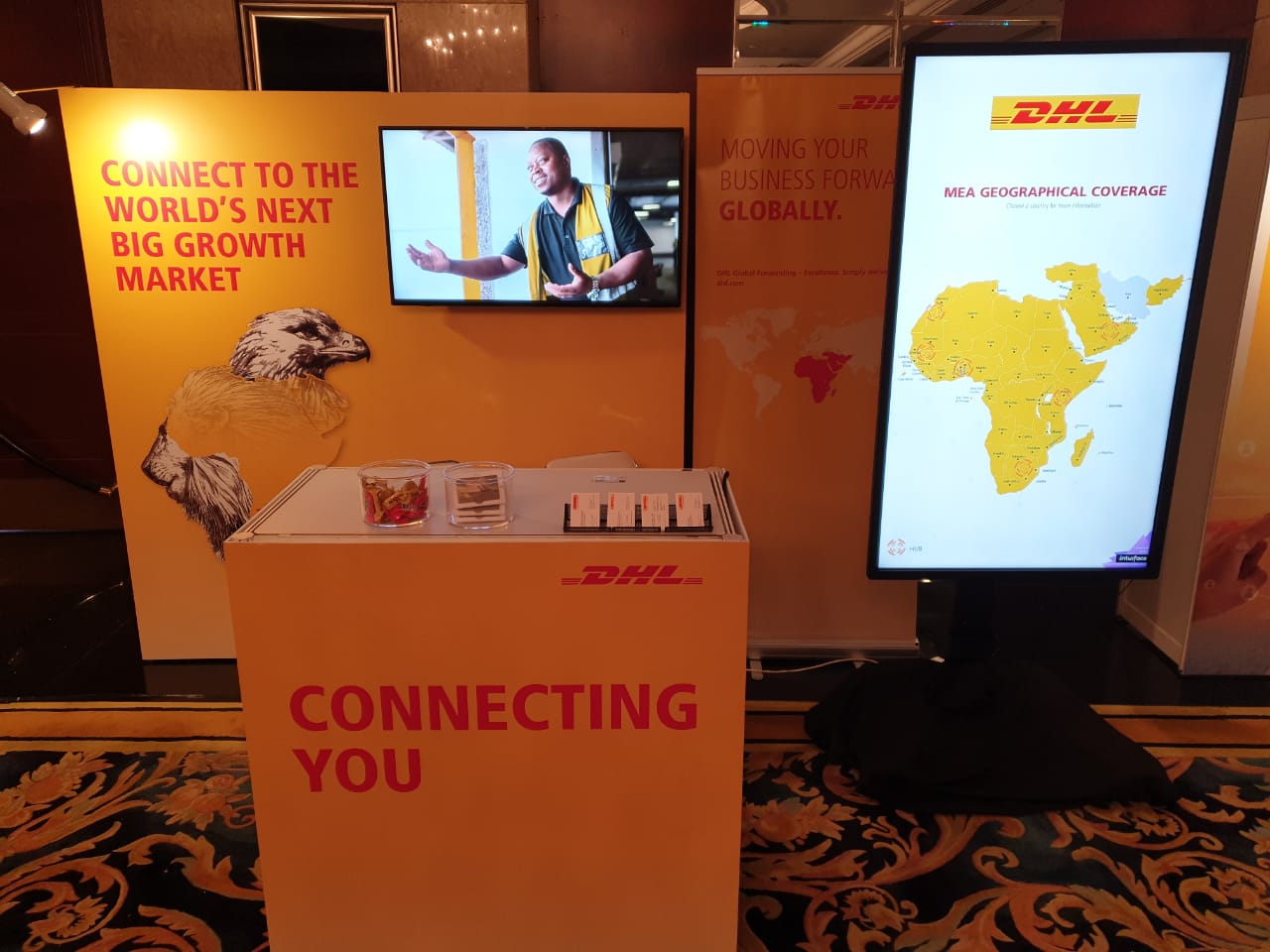
Empowering DHL’s marketing teams with a high-performance multi-touch application for global operations. Your marketing team needs to convey...
Elevating high-profile events with custom-built interactive touchpoints and seamless digital reveals. High-stakes inaugurations require a flawless blend of...
Seamless Queue Management and High-Impact LED Visuals for Massive Footfall Managing thousands of visitors in the world’s busiest...
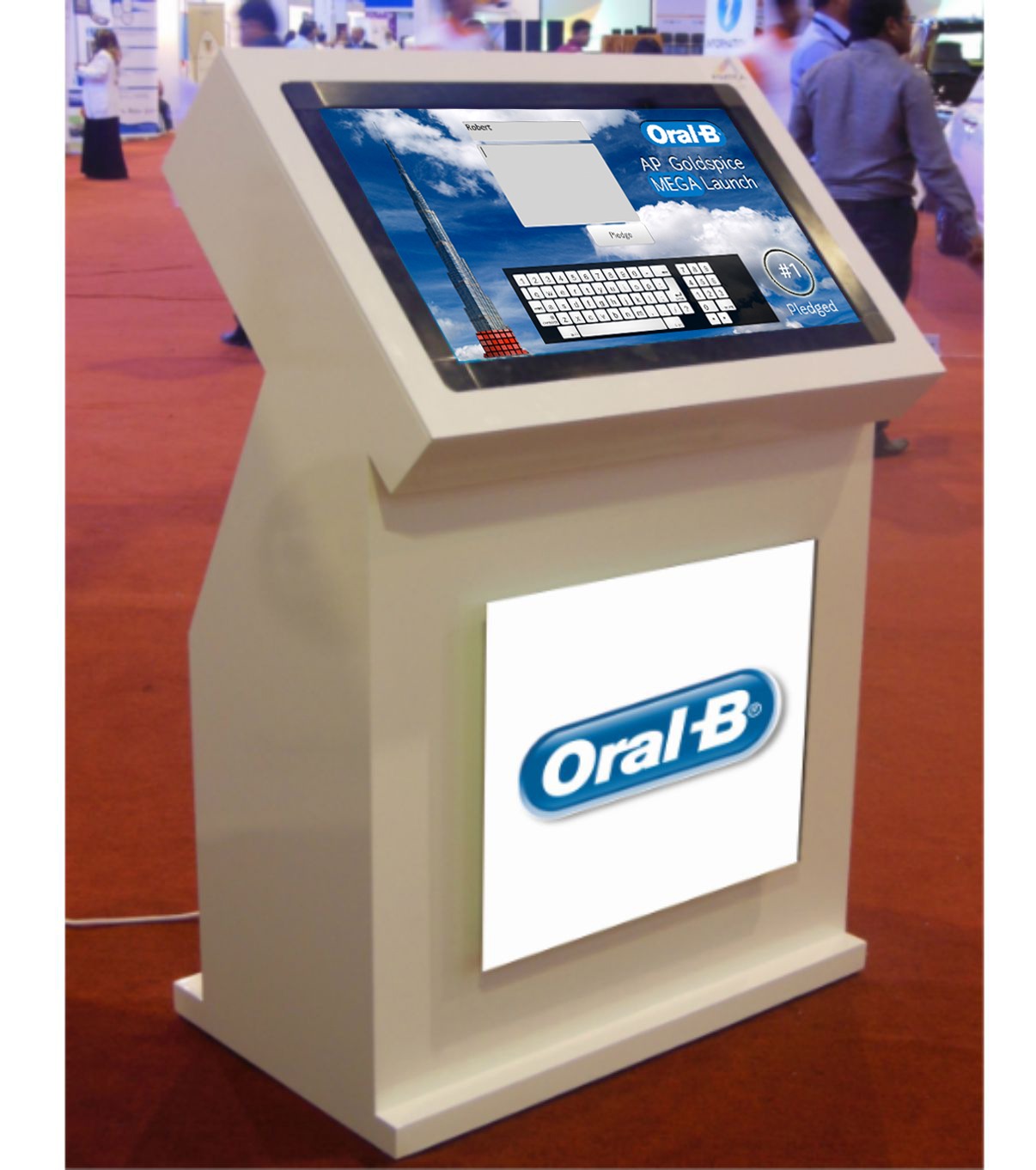
Captivating audiences through immersive touchscreen storytelling and real-time visual milestones. Your brand mission deserves a platform that...
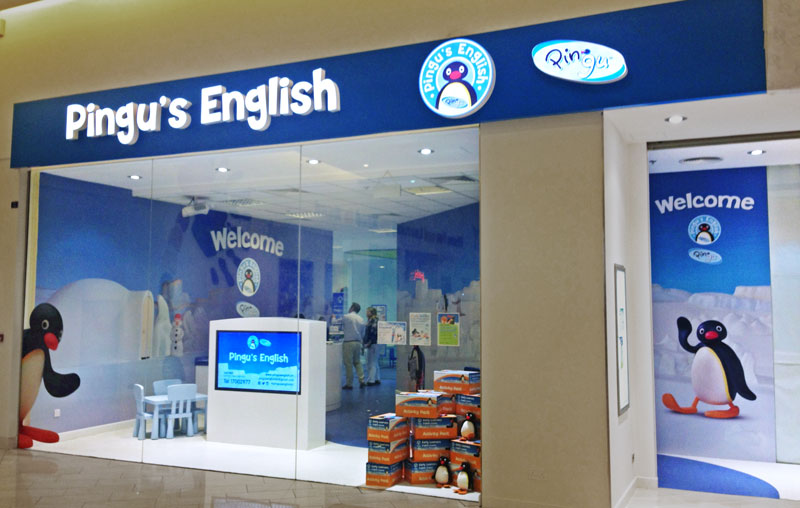
Boosting Student Engagement in Bahrain with Multi-Touch Kiosk Technology Pingu’s English at Seef Mall now features a high-performance...

Merging physical lightboxes with digital touch precision for global diplomacy. You need a way to present complex geographical...
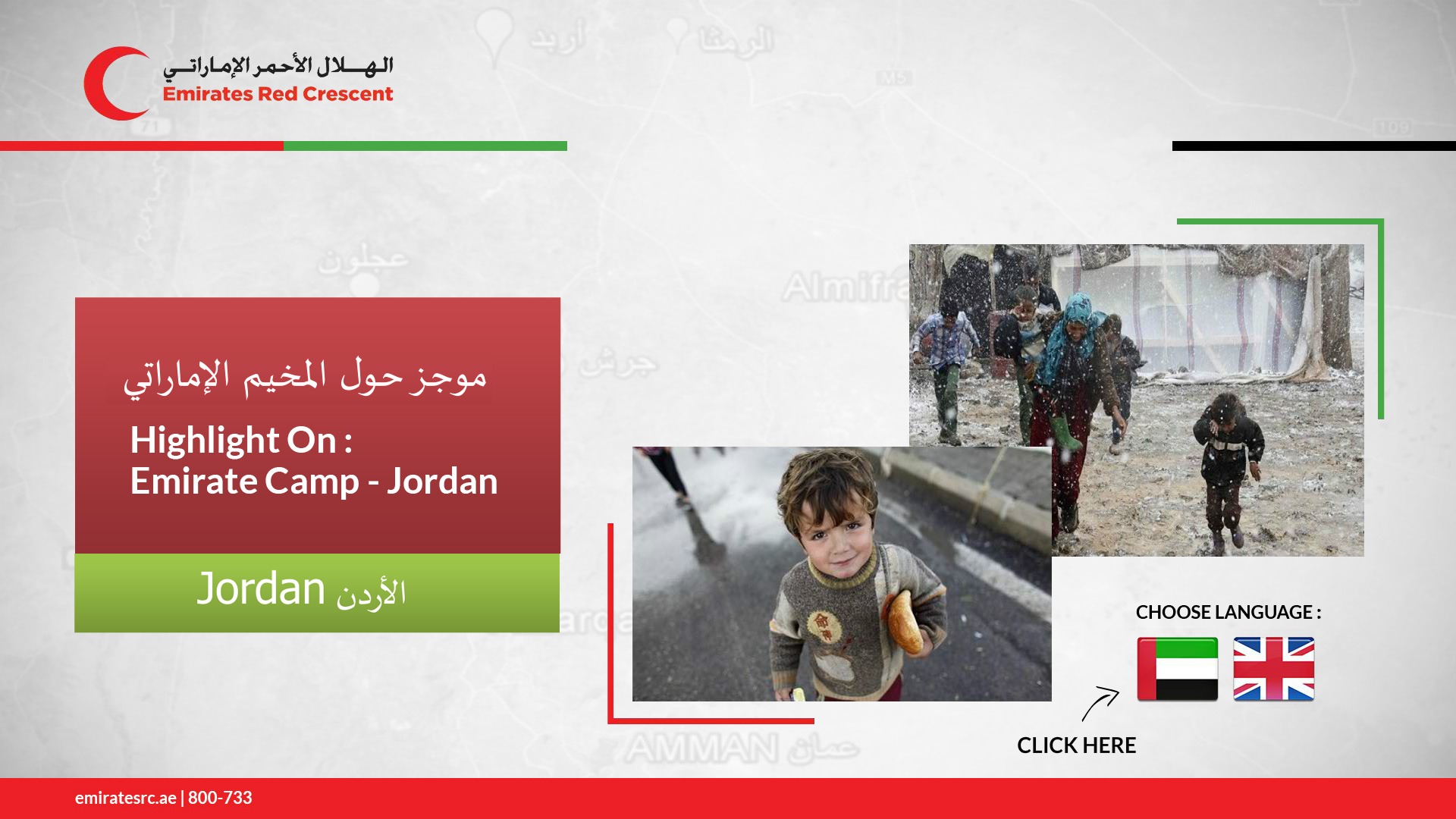
Engaging stakeholders through custom touchpoint technology and seamless digital storytelling. Emirates Red Crescent needed a sophisticated way to...
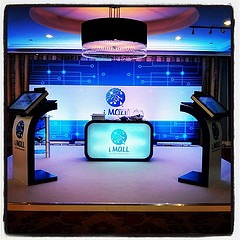
Elevating the retail experience through custom touchpoint solutions. iMall launched as a premier electronics destination in Dubai, requiring...
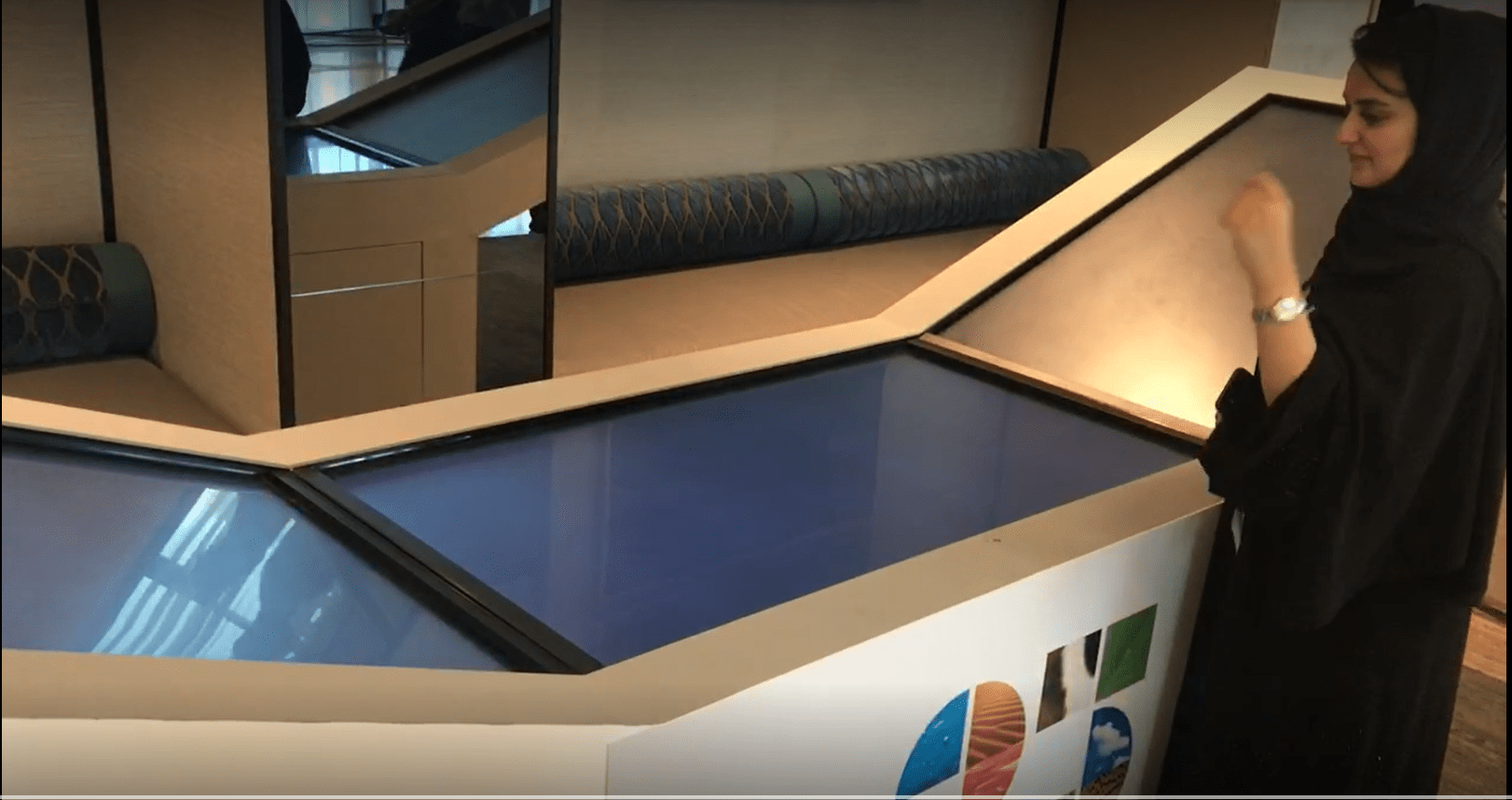
A seamless multi-screen experience that transforms digital browsing into an immersive journey Static displays often fail to capture...
A product kiosk helps visitors explore at their own pace while still moving toward a clear next step.
Many buyers need information before they are ready to speak to sales. A product or info kiosk gives them a low-pressure way to explore content, compare options and understand value.
For the organisation, the kiosk becomes a controlled communication tool. It can support staff, reduce repetitive explanations, capture interest and present complex information consistently.
We define the information architecture, screen flow, CMS needs, hardware format, analytics, forms and integration points before development begins.
Touchscreens, filters, forms, QR scans, selectors, search fields, language selection and guided questions.
CMS, product databases, comparison logic, form handling, analytics, lead capture, offline mode and CRM/API integrations where required.
Product details, videos, brochures, QR handoff, enquiry forms, recommendations, downloads, confirmation screens and sales follow-up.
We understand the venue, audience, content, operational flow, brand requirements, data needs, hardware constraints and success metrics.
We map the user journey, screen flow, information architecture, interaction logic, visual direction and conversion points.
We define displays, kiosks, sensors, CMS, content workflows, integrations, enclosures and installation requirements.
We create the software, integrate hardware, configure CMS logic, connect data flows and prepare deployment builds.
We test usability, content behaviour, hardware reliability, performance, offline scenarios and real-world visitor interaction.
We support installation, setup, handover and operation based on the project environment and scope.
PearlQuest combines user experience strategy, interface design, software planning, hardware coordination, outsourced development management, QA/QC and event/venue deployment understanding.
We design for real users in public spaces, not just internal stakeholders reviewing screens in a meeting.
We consider screens, enclosures, sensors, connectivity, installation conditions and maintenance realities early.
We focus on testing, operational flow, content control, support needs and the practical realities of live visitor environments.
It is an interactive touchscreen station that lets visitors browse products, services, information, brochures, comparisons, forms or guided content.
Yes. Enquiry forms, brochure requests, QR handoff, email capture, phone capture and preference data can be included.
Yes. A CMS can be included so administrators can update product details, images, videos, documents and other content.
Depending on requirements, kiosks can be designed with offline-ready content and later data sync when connectivity returns.
Yes. Forms and product data can be integrated with CRMs, APIs or databases if technically available and within scope.
Yes. PearlQuest can help with UX, software, screen selection, kiosk hardware, integration, testing and deployment.
Tell us what visitors need to learn, compare or submit. PearlQuest will help shape a kiosk experience that informs, guides and converts.