Physical object interaction
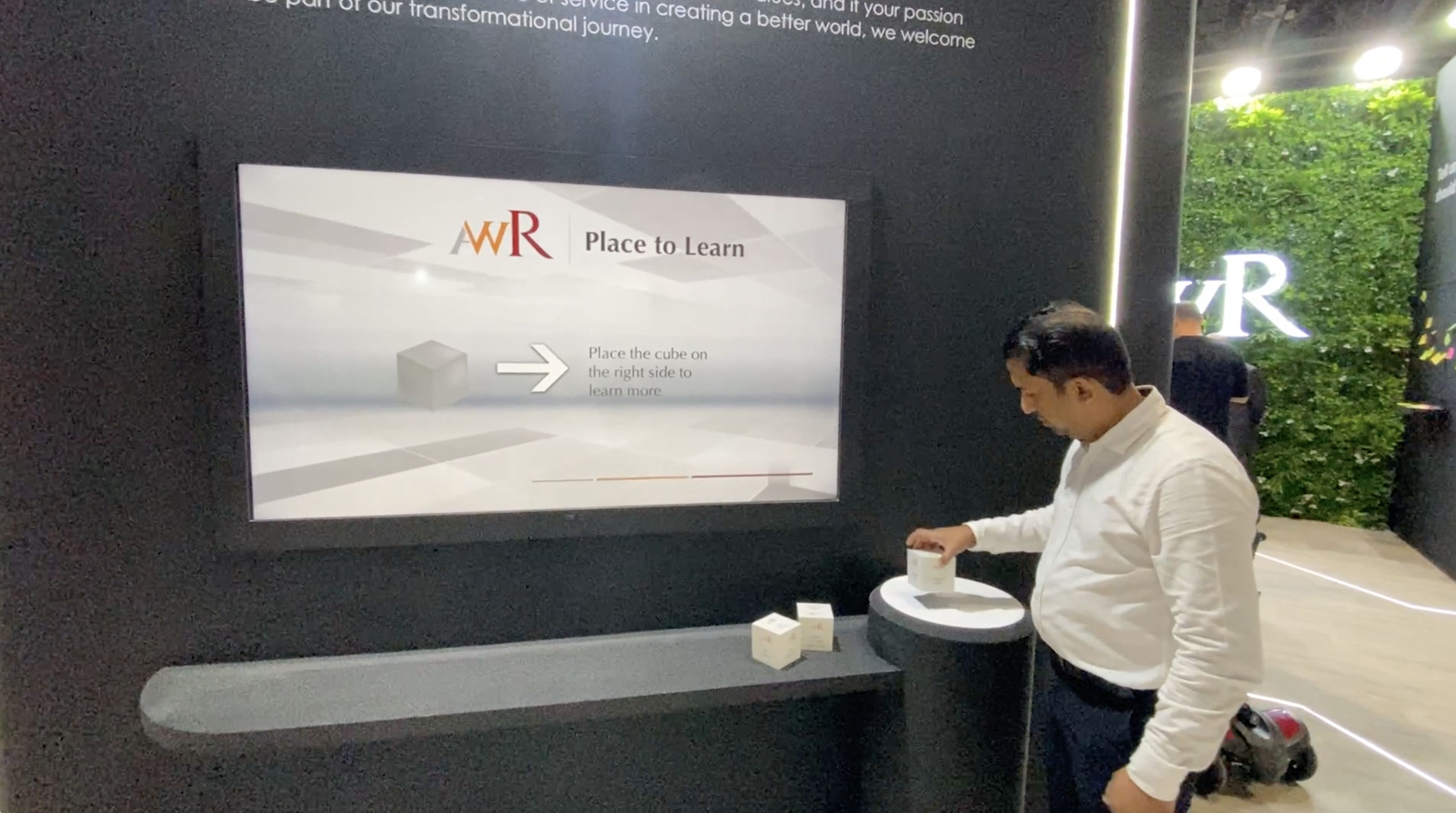
Visitors lift, place, move, touch or select objects instead of only tapping a screen.

PearlQuest creates tangible interactive tables and lift-to-learn experiences where physical objects trigger digital content, stories, comparisons, product details or educational journeys.
We combine RFID, NFC, object recognition, sensors, touch tables, projection, screens, physical props, product samples and interactive content logic to make visitors learn by touching, lifting, placing and exploring.
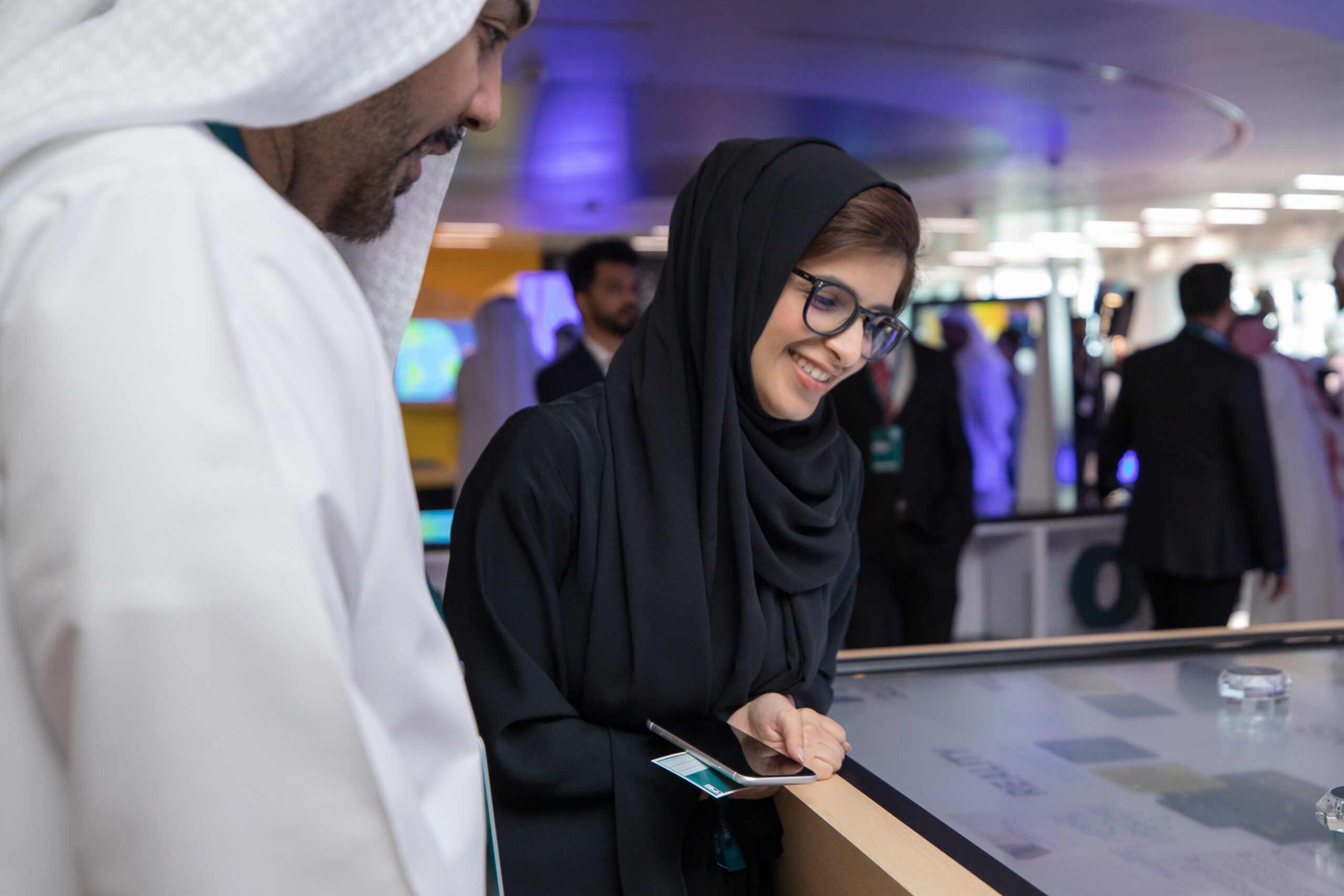
Tangible tables and lift-to-learn experiences are interactive installations where visitors pick up, place, move or lift physical objects to trigger digital content on a screen, table, wall or display. The objects can represent products, museum artefacts, materials, samples, models, ingredients, destinations or concepts. These experiences are used in museums, retail, exhibitions, showrooms, education spaces and brand activations to create hands-on discovery, product comparison, deeper learning and memorable visitor engagement.
Are products, artefacts or samples sitting in your space without telling their full story?
PearlQuest designs and develops tangible tables and lift-to-learn systems that make physical objects trigger digital stories, product information, comparisons and interactive learning.
Visitors lift, place, move, touch or select objects instead of only tapping a screen.
Objects can reveal videos, specs, stories, comparisons, 3D visuals, animations, maps, ingredients or educational content.
Hands-on interaction helps visitors understand products, artefacts, materials and concepts through action.
Visitors lift a product or prop and the screen reveals its story, features, benefits or hidden details.
Physical items placed on a table trigger related content, comparisons, maps, videos or interactive visuals.
Tagged objects activate specific digital content when placed, lifted or brought near a reader.
Let visitors compare products, materials, samples or models by placing them on a table or display area.
Artefacts, replicas or learning objects can trigger historical, scientific, cultural or educational content.
Use real products, samples or swatches to trigger content that supports buying decisions and sales conversations.
Bridging the Physical and Digital Worlds Through Tangible Storytelling PearlQuest transformed theoretical concepts into a tactile experience for...
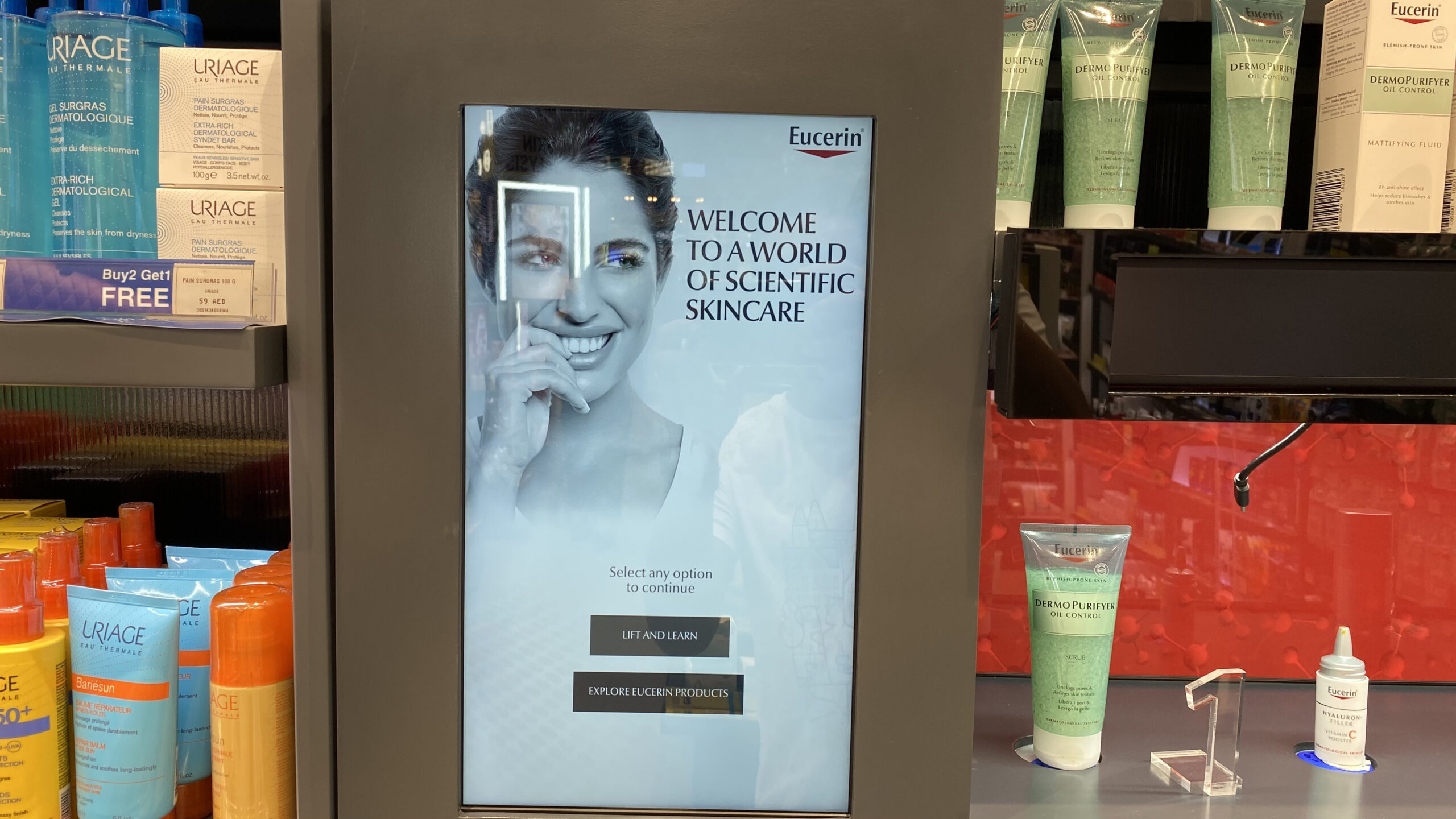
Transforming product discovery through tactile engagement and smart digital signage. Static shelves often fail to hold shoppers’ attention...
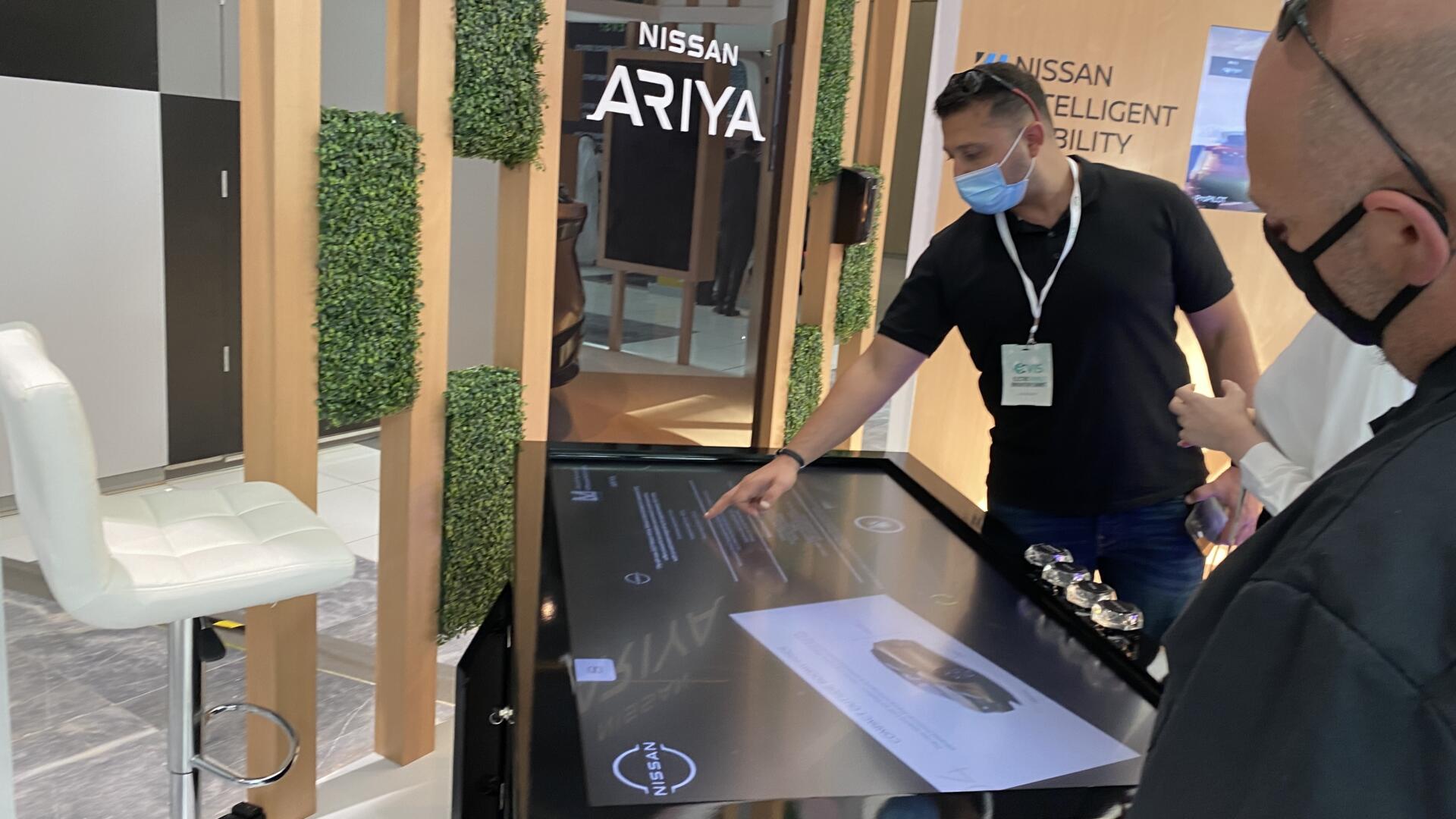
Transforming Product Demos into Tactile Journeys At the EV Summit, Nissan wanted to showcase their electric vehicle innovations...
Tangible interfaces work because people understand physical action intuitively.
When visitors pick up an object and content responds, the experience feels natural and memorable. The physical object becomes the key to the digital story.
This is powerful for products, artefacts, samples, materials and concepts that need explanation. Instead of asking visitors to read a long label or brochure, the installation lets them discover information through touch and curiosity.
We define object types, recognition method, content triggers, table/display design, visitor flow and maintenance requirements before development begins.
RFID tags, NFC tags, object recognition, lift sensors, proximity sensors, touch tables, buttons and physical props.
Object-to-content mapping, comparison logic, CMS, animations, video playback, 3D visuals, data capture and interaction states.
Touch tables, wall screens, product plinths, projection surfaces, kiosks, LED displays and multi-screen response systems.
We understand the venue, audience, content, operational flow, brand requirements, data needs, hardware constraints and success metrics.
We map the user journey, screen flow, information architecture, interaction logic, visual direction and conversion points.
We define displays, kiosks, sensors, CMS, content workflows, integrations, enclosures and installation requirements.
We create the software, integrate hardware, configure CMS logic, connect data flows and prepare deployment builds.
We test usability, content behaviour, hardware reliability, performance, offline scenarios and real-world visitor interaction.
We support installation, setup, handover and operation based on the project environment and scope.
PearlQuest combines user experience strategy, interface design, software planning, hardware coordination, outsourced development management, QA/QC and event/venue deployment understanding.
We design for real users in public spaces, not just internal stakeholders reviewing screens in a meeting.
We consider screens, enclosures, sensors, connectivity, installation conditions and maintenance realities early.
We focus on testing, operational flow, content control, support needs and the practical realities of live visitor environments.
It is an interactive installation where visitors lift or pick up a physical object and digital content appears on a screen, table or display.
It is an interactive table where physical objects placed, moved or selected on the surface trigger related digital content or comparisons.
RFID, NFC, object recognition, proximity sensors, lift sensors, touch tables, cameras and custom trigger systems can be used depending on the project.
Yes. Visitors can place or select different products, samples or models to compare features, specifications, benefits or stories.
Yes. Tangible tables and lift-to-learn installations are excellent for artefacts, replicas, education, culture, science and interpretive content.
Yes. PearlQuest can help with concept, interaction design, hardware planning, software development, content logic, testing and deployment.
Tell us what objects, products, artefacts or samples you want visitors to explore. PearlQuest will help turn them into an interactive discovery journey.