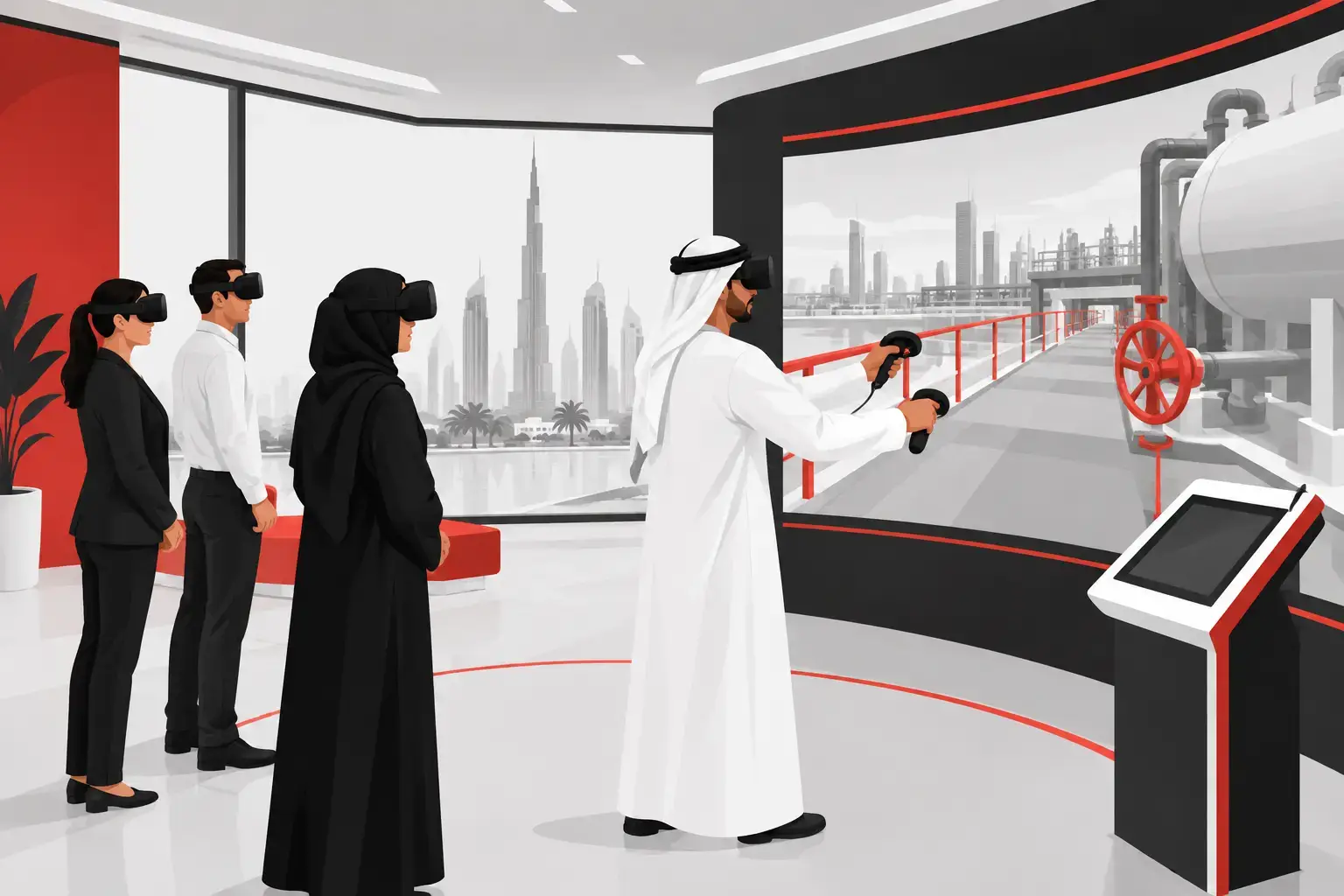
A museum team planning a new gallery often asks one practical question: what should an interactive actually do? The direct answer is that museum interactives should help visitors understand, compare, explore, or contribute to the exhibition narrative – not simply add a screen to the room.
For museums and cultural spaces in the UAE and across the GCC, the strongest interactive interpretation begins with a defined audience action. A visitor may uncover layers in an archaeological object, make a curatorial choice, navigate a historic landscape, hear multiple perspectives, or test knowledge after engaging with a collection. The technology follows that action. It does not replace it.
Start With the Interpretation Job
An interactive is a visitor touchpoint that responds to input. That input may be a touch gesture, physical object, body movement, a button, a mobile device, or a choice made in a shared experience. In a museum context, its role is to make approved content easier to encounter and remember.
Before selecting displays, sensors, or software, define the interpretation job in one sentence. For example: help families understand how a trade route connected communities, or allow school groups to compare construction methods from different periods. This statement keeps the project focused when creative concepts and technology options multiply.
The right format depends on the content and the visitor behavior required. A short, linear story may work best as a projected audiovisual sequence. A collection with multiple layers of evidence may suit a touch table that lets visitors compare objects, maps, images, and expert commentary. A large group area may need a shared interactive wall or floor rather than several individual kiosks.
Museum interactives are not automatically the answer to every interpretation need. If an original artifact requires quiet attention, a carefully designed label, graphic panel, or guided audio moment may be more appropriate. The trade-off is between participation and focus. A digital intervention should earn the space, power, maintenance, and visitor attention it needs.
Choose Museum Interactives by Visitor Behavior
A useful selection process starts with how many people will engage at once, how long the interaction should take, and whether the experience is individual, family-based, or group-based.
Individual discovery stations
A kiosk or touchscreen station can support deeper exploration without changing the pace of the whole gallery. It is suitable when visitors need to browse an archive, inspect high-resolution details, compare interpretations, or select a topic that interests them. The content structure matters as much as the interface. Visitors need clear starting points and a simple route back to the exhibition story.
Individual stations need careful placement. A screen positioned directly beside a key object can create congestion, while one placed after the object may allow visitors to look first and investigate second. Provide enough room for people waiting, sitting, or engaging as a pair.
Shared walls, tables, and projections
Shared interactives create visible participation. They can invite groups to assemble a timeline, reveal content through movement, or explore a regional map together. These formats can work well in orientation spaces, family zones, temporary exhibitions, and areas designed for school visits.
The operational question is whether the interaction remains understandable when several people arrive at once. A shared wall that only responds to one person can produce confusion. A table with multiple content areas may allow parallel use, but its software must manage competing inputs and reset incomplete sessions clearly.
Physical-digital interpretation
Physical-digital experiences connect material culture to digital content. A visitor might place a replica object on a reader, turn a mechanical control, or use physical pieces to trigger an animated explanation. This approach can make an interaction more intuitive because the action has a visible relationship to the subject.
It also introduces additional fabrication and maintenance considerations. Physical components must withstand repeated use, be serviceable, and fit the gallery environment. The design team should identify likely wear points early, rather than treating hardware durability as a late-stage procurement issue.
Immersive story spaces
Projection, LED environments, spatial audio, and responsive media can create an immersive story space around a place, event, or intangible cultural theme. This format is most effective when immersion clarifies scale, movement, atmosphere, or context that objects alone cannot convey.
It is less effective when the room is visually impressive but lacks a clear interpretive sequence. Visitors should know where to stand, what to notice, and what action, if any, moves the story forward. Sightlines, ambient light, acoustics, and visitor flow are core inputs, not finishing details.
Build Content Before Building the Interface
Museum interactive projects often stall because the content is treated as a later task. An interface cannot resolve unanswered questions about source material, image rights, translation, narrative ownership, or approval routes.
Start by identifying the approved content package: curatorial text, object data, images, films, audio, maps, 3D assets, archival documents, and any required translations. Then decide what is essential for the visitor journey and what belongs in optional layers. A visitor should be able to understand the central idea without reading every screen.
Content also needs an editorial logic. Is the experience chronological, thematic, geographic, or comparative? Does it present one institutional interpretation, multiple voices, or an evidence-based question for visitors to consider? These choices shape the software structure, screen flow, and production schedule.
For multilingual venues, plan language behavior at the same time as interaction design. This includes text expansion, typography, reading direction where relevant, audio selection, subtitles, and how a visitor changes language during a session. Retrofitting language support after visual design can create avoidable interface compromises.
Scope the Technical System, Not Just the Screen
A museum interactive is an operating system of connected parts: approved content, custom software, display or projection hardware, control systems, physical housing, networking where required, and on-site deployment. Each element affects the others.
Software defines the interaction logic, content management approach, idle behavior, session reset, error messages, and data handling. A content management system may be useful when museum staff need to update text, media, or featured objects after launch. For a stable, fixed exhibition, a simpler managed content structure may be more appropriate. The choice depends on who will own updates and how frequently they are expected.
Hardware selection should reflect the environment. Consider display brightness, viewing angle, touch method, speakers or headphones, heat management, cable routes, enclosure access, and replacement availability. Projection needs a different set of inputs, including throw distance, surface condition, room lighting, alignment access, and cleaning requirements.
Do not overlook the idle state. Between visitors, the interactive needs to attract attention without distracting from the gallery. It should also reset reliably when someone leaves midway through an activity. This small software behavior has a major effect on usability in busy public spaces.
Plan for Operations From Day One
The completed installation is not the end of the project. Museum teams need a practical operating plan for opening checks, content updates, basic troubleshooting, cleaning, and escalation when a device is unavailable.
During scoping, identify who will switch systems on and off, who can access the equipment cabinet, whether the gallery is staffed, and how updates will be approved. If analytics are proposed, define the evaluation question first. A team may want to understand dwell time, content choices, repeat engagement, or peak interaction periods. These are proposed measures for improving the experience, not evidence of achieved outcomes.
A reliable deployment plan also accounts for the venue itself: site surveys, access routes, installation windows, wall and floor conditions, power provision, network constraints, integration with exhibition fit-out, testing time, and staff handover. These inputs are particularly important when an interactive is one component of a larger gallery delivery.
A Project-Scoping Checklist for Cultural Teams
Bring the following information to the first project discussion:
- The exhibition objective and the one action visitors should take
- Audience groups, expected group sizes, and likely dwell time
- Floor plans, elevation drawings, photographs, and available installation areas
- Approved content, expected content gaps, and required approval stakeholders
- Preferred interaction formats and any formats that are unsuitable for the gallery
- Power, network, lighting, acoustic, access, and operating constraints
- Target opening date, installation window, and handover requirements
PearlQuest can connect custom software, relevant hardware, physical interaction design, and deployment planning into a scoped interactive interpretation project. The most useful brief is not a request for “something digital.” It is a clear statement of what visitors need to understand, do, and carry with them after leaving the gallery.
If you are planning museum interactives, contact PearlQuest with your location, audience, available space, interpretation objective, timeline, and any existing exhibition or content requirements. A well-scoped first conversation turns a technology choice into a visitor experience with a clear purpose.