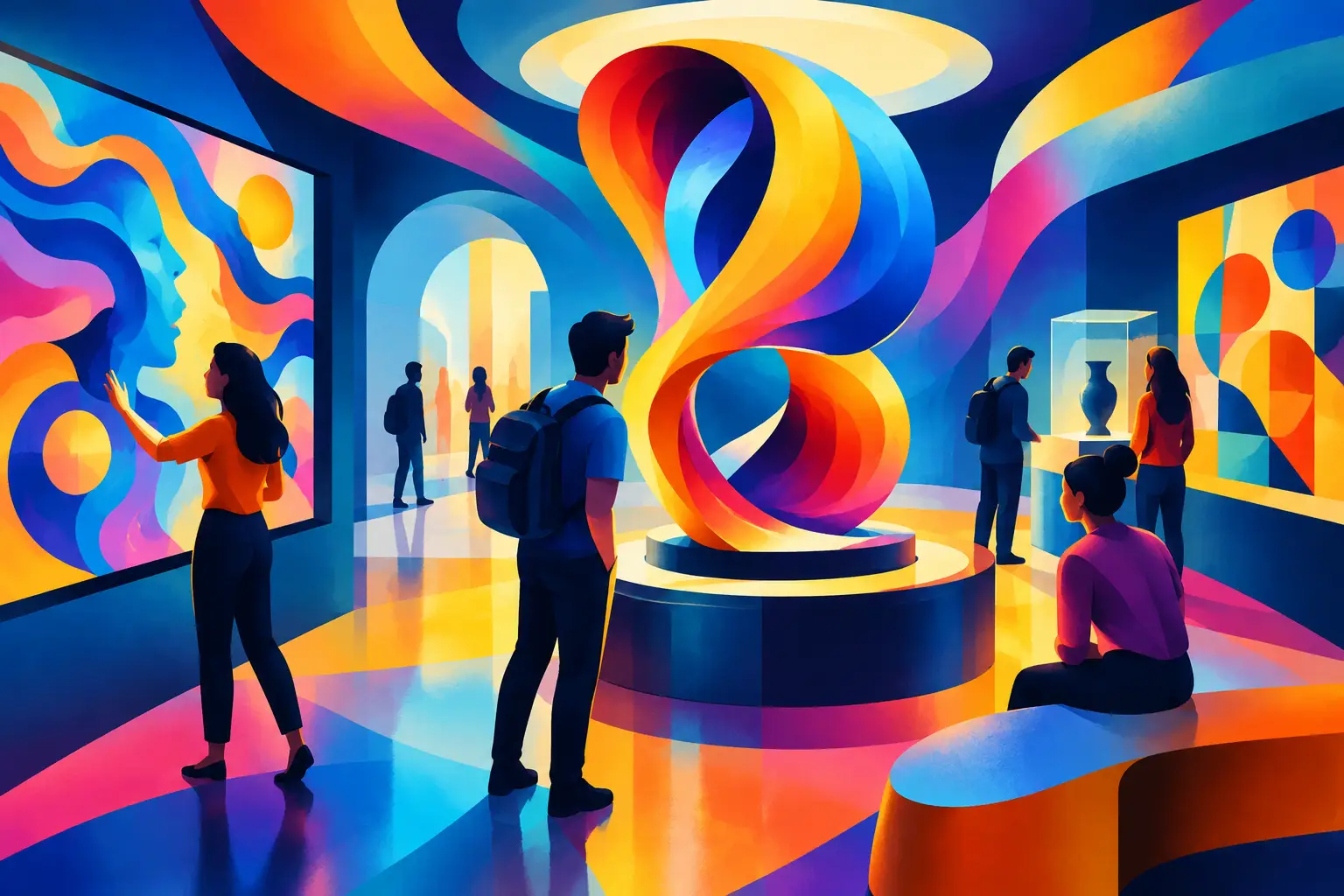
A projection room is most effective when it is planned as an interpretive environment, not as a dark room with a projector. For museum and cultural-space teams, projection rooms can turn approved archival material, curatorial narratives, maps, film, sound, and digital artwork into a shared experience that visitors can enter, follow, and discuss.
The purchasing question is not simply which projector to buy. It is whether projection is the right format for the story, how visitors will move through the room, what content is ready for production, and how the installation will operate after opening. These decisions affect the room layout, media-server specification, audio approach, control system, maintenance access, and production schedule.
Start with the visitor action
Define what a visitor should do in the room before selecting technology. A projection-based gallery may ask visitors to watch a timed film, compare visual layers on a wall, follow an animated timeline, respond through a touchpoint, or move through a scene that changes around them. Each action creates different requirements.
A contemplative historical sequence may work well with a single large projected surface and controlled audio. An interpretive experience about a changing city, ecosystem, or collection may need multiple surfaces, synchronized media, and directional sound. A participatory installation may add sensors, touch interfaces, physical controls, or a custom game layer. The more interaction a room contains, the more carefully the team must define reset behavior, visitor throughput, staff oversight, and failure states.
For cultural institutions, the narrative should lead. Projection can add scale, movement, atmosphere, and contextual detail, but it should not compete with an artifact, object label, or curatorial message. In some galleries, a quieter projection beside an object is more appropriate than a fully immersive room. In others, a dedicated room gives the story enough space to unfold without disrupting neighboring exhibits.
What makes projection rooms work in museums
Successful projection rooms are coordinated systems. The visible image is only one part of the installation. The project team needs to connect content, software, hardware, architecture, and daily operations into a single scope.
Content must suit the projection surface
Content designed for a standard video screen often does not translate directly to a large wall, irregular scenic surface, or room-scale installation. A projected image may stretch across joins, corners, columns, textured finishes, or several walls. Motion graphics, typography, historical footage, and image crops must be planned for viewing distance and sightlines.
Early content decisions should establish the primary story sequence, duration, languages where required by the institution, image rights status, source-material quality, and approval process. A museum may already hold archival video, photographs, oral histories, and collection data. Those materials need editorial selection and visual treatment before they become projection-ready media.
Where projection covers more than one surface, a media server can synchronize playback across multiple outputs. Projection mapping is the process of aligning content precisely to architectural or scenic forms rather than a flat rectangular screen. It can create a strong interpretive effect, but it adds calibration requirements and should be considered only when the physical form supports the narrative.
The room conditions shape the technical design
Ambient light is often the first constraint. Windows, glazed doors, illuminated display cases, and spill from adjacent galleries can reduce contrast and make images appear washed out. Blackout treatment, controlled lighting scenes, surface finishes, and projector brightness must be considered together.
Brightness is not a standalone purchasing metric. A very bright projector may be necessary in a partially lit public environment, while a lower-output unit may be suitable in a fully controlled room. The right choice depends on image size, throw distance, ambient light, surface color, operating hours, and the type of content being shown. A technical survey should verify these conditions before equipment is finalized.
Projector placement also affects visitor experience and operations. Ceiling mounting may keep equipment out of reach, but it requires structural coordination, power, signal pathways, and safe access for service. Rear projection can keep equipment hidden and reduce shadows, yet it needs space behind the screen. Ultra-short-throw projectors can work in tight environments, although surface flatness and alignment become more sensitive.
Audio needs its own plan
Sound can make an immersive story convincing, but uncontrolled audio can create noise across a gallery. The design may use a room-based soundtrack, directional speakers, localized audio zones, headphones, or an adjacent listening point. The best option depends on how close the room is to other exhibits and whether visitors need to hear narration clearly.
Audio content should be timed with the visual sequence and considered during visitor-flow planning. If several visitors enter at different points in a loop, the story must remain understandable without requiring everyone to start at minute one. Captions, concise visual cues, and a structure that allows re-entry can make the experience more usable in busy public hours.
Choose the right interaction level
Not every projection room needs interactivity. A linear film can be the most reliable and appropriate solution when the goal is a focused, shared narrative. Interaction becomes useful when a visitor choice meaningfully changes what they see, hear, discover, or contribute.
For example, a projected map might respond to a physical dial that moves through different time periods. A wall projection could reveal layers of a collection when visitors use a nearby kiosk. A floor projection might create a participatory moment in a family-focused exhibition. These formats need software logic, sensor selection, interface design, calibration, and a clear fallback mode if an interactive component is temporarily unavailable.
Museum teams should be cautious about adding interaction simply to make a room feel more technical. If the interaction does not support interpretation, it can slow visitor flow or distract from the collection. A good brief describes the decision a visitor makes and the meaning of the response.
Plan for operating hours, not opening day
Projection installations are live operating environments. They need a defined startup sequence, shutdown behavior, playback schedule, recovery process, and support path. A room may operate continuously, run on a daily timer, begin when a visitor enters, or be activated by gallery staff. Each model has different implications for lamp or laser usage, power management, ventilation, and supervision.
Specify how the room will behave after a power interruption or network outage. The installation should have a practical way to return to its intended state without requiring a specialist for routine restarts. A centralized control interface can help staff start and stop the room, select approved content modes, and monitor basic status, but the interface should match the team’s actual operating capability.
Maintenance access is frequently overlooked during exhibition design. Projectors need cleaning, filter checks where applicable, alignment review, and eventual component replacement. Media players, control hardware, amplifiers, and network equipment require protected but reachable locations. Design access panels, equipment racks, ventilation, and service clearances into the physical environment from the start.
A practical scoping checklist for projection rooms
Before requesting a technical proposal, prepare a concise project brief covering these distinct inputs:
- The interpretive objective, target audience, expected visitor volume, and the action visitors should take in the room.
- Room drawings, dimensions, ceiling heights, existing light conditions, intended surfaces, nearby exhibits, and available power and network connections.
- Approved content sources, required formats, language needs, rights status, internal reviewers, and any deadline tied to an exhibition opening.
- Preferred operating model, including daily hours, staff roles, content-update needs, startup procedures, and maintenance expectations.
- Required physical works, such as scenic construction, blackout treatment, acoustics, mounting, equipment housing, and visitor barriers.
These inputs allow an experience partner to separate what is known from what needs site validation. They also reduce the risk of approving creative work that cannot be supported by the room, the content pipeline, or the operating team.
When projection is not the best answer
Projection has limits. Bright, open spaces with little lighting control may be better suited to LED displays or another display format. Highly detailed text, small archival documents, and close-up interfaces may need a dedicated screen rather than a projected wall. If the room cannot accommodate the required throw distance, equipment access, or acoustic separation, a different format may offer a more dependable result.
For teams planning immersive interpretation, PearlQuest can scope projection environments as part of a wider visitor experience that brings together approved content, custom software, relevant hardware, and deployment requirements. The right starting point is a clear brief, not a predetermined equipment list.
If you are planning a museum or cultural projection room, share the project location, interpretive objective, venue conditions, audience, timeline, available content, and any technical constraints. Those details create the basis for a scope that can be designed, installed, and operated with purpose.