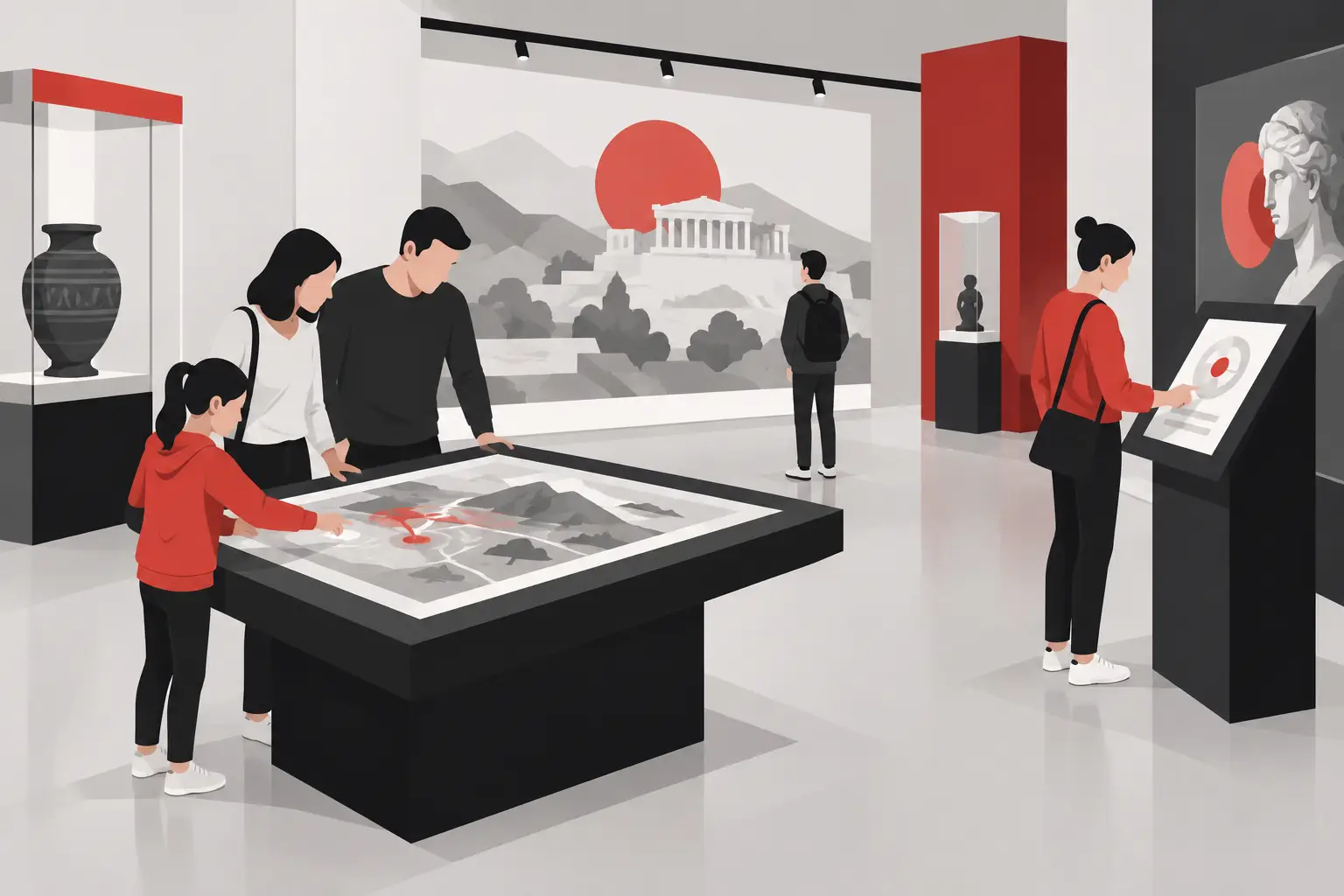
A public entity planning an awareness campaign has one practical question: how can people do more than notice the message? Government awareness game ideas work when they turn a required action, decision, or piece of knowledge into a short interaction that fits the real campaign environment.
For public engagement teams in the UAE, a game is not a replacement for clear information or service design. It is a participation layer. It can help visitors practice a decision, explore a process, compare consequences, or contribute a response that gives the campaign team useful signals. The right format depends on the audience, venue, campaign objective, operating hours, and the level of facilitation available.
Start with the public action, not the technology
A campaign about road safety, environmental behavior, cultural participation, public services, or community preparedness may need very different interaction models. The first planning task is to state the intended audience action in plain language.
For example, the objective may be to help families identify safer choices, introduce residents to a new service journey, prompt visitors to sort items correctly, or explain how a local process works. These are not the same as asking people to remember a slogan. Each requires an interaction that lets participants make choices and receive an immediate, understandable response.
A useful brief separates three layers. The awareness message defines what the campaign needs to communicate. The game mechanic defines what the visitor does. The deployment model defines where and how it operates, whether on a web page, mobile device, touchscreen kiosk, interactive wall, event booth, or facilitated workshop.
This distinction prevents a common procurement problem: selecting AR, a large LED display, or a quiz format before deciding what the public should actually experience.
Government awareness game ideas that fit real settings
The strongest concepts are usually simple enough to understand in seconds and deep enough to create a meaningful decision. The following formats can be adapted to public campaigns without forcing every subject into the same game.
Scenario decision games
A scenario game presents a familiar situation and asks the participant to choose a response. The system then explains the consequence of that choice and introduces the next situation. For a public-service campaign, this could map a resident journey. For safety communications, it could recreate choices made at a crossing, in a public space, or during an emergency.
This format works well on kiosks, tablets, web pages, and large shared screens. Its strength is context: participants see why guidance matters rather than only reading a rule. The content needs careful review because every scenario, response, and feedback message must be accurate, concise, and appropriate for public release.
Timed sorting and matching challenges
Sorting challenges ask visitors to place items, actions, or information into the correct category. A recycling interaction, for instance, might ask users to sort illustrated materials. A service-awareness version could ask participants to match a need with the correct channel or step.
These games suit high-footfall settings because a single round can be brief. They also work on interactive tables, touchscreens, projected floors, and web interfaces. The trade-off is that speed can overpower learning if the game is too fast, so feedback should explain incorrect choices rather than merely show a score.
Community progress walls
A shared digital wall lets individual actions contribute to a visible collective outcome. Each participant might answer a question, make a pledge, select a community priority, or complete a short challenge. Their contribution then appears as part of a growing visualization, such as a neighborhood map, illustrated landscape, or campaign story.
This is useful for exhibitions, public events, and destination spaces where the campaign benefits from visible participation. It needs a clear moderation approach if visitors can submit open text or images. A structured response model, using predefined options rather than free-form submissions, is often easier to operate in a busy public setting.
Location-based discovery trails
A discovery trail turns a venue, district, museum, or event into a sequence of stops. Participants scan markers or use a mobile interface to reveal questions, mini challenges, media, or clues connected to the surrounding space.
This approach can connect awareness content to a real location rather than presenting it on one screen. It depends on practical inputs: route length, network conditions, signage, device assumptions, venue permissions, and how visitors enter and exit the experience. If visitors are expected to use personal phones, the journey must remain useful without assuming they will install an app.
Facilitated team simulations
For schools, staff groups, community workshops, or stakeholder sessions, a facilitated simulation can create deeper discussion than a walk-up game. Teams receive information, make decisions, and see how their choices affect a shared scenario. A facilitator can pause the experience to explain trade-offs or invite reflection.
This format requires more operational support, but it allows more nuanced content. It is especially suitable when the awareness objective involves coordinated decisions rather than an individual fact or behavior.
Select the interaction format around dwell time
Dwell time is the realistic amount of time a participant will spend with the experience. It is one of the most useful design constraints for government awareness game ideas.
A transit-adjacent activation or busy public event may need an interaction that takes under two minutes. A museum gallery or visitor center can support a longer narrative. A school session or internal training program may allow a 20-minute simulation with guided discussion.
Screen-based experiences also need to account for queueing. A large interactive wall can attract attention from a distance, while a single kiosk may create a bottleneck if each session is lengthy. In some settings, a shared display supported by several smaller input points gives more people a role at once.
The choice between physical and digital interaction should be equally practical. Physical tokens, cards, buttons, and props can make an experience approachable for mixed-age audiences. Digital systems make it easier to update content, vary questions, and capture defined interaction events. Hybrid experiences combine both, but they add integration and maintenance considerations.
Define content, software, hardware, and operations early
A game concept becomes a deployable public experience only when its operating components are defined. Content includes the campaign messages, scenarios, illustrations, languages, media, question bank, feedback, and approval process. Software includes the custom game logic, content management requirements, data fields, analytics events, and any integrations that are genuinely needed.
Hardware may include kiosks, tablets, touch displays, LED screens, projectors, sensors, speakers, printed physical components, enclosures, and network equipment. Hardware selection should follow the location. Indoor mall, exhibition, museum, outdoor, and temporary event environments create different requirements for visibility, sound, power, mounting, supervision, and reset procedures.
Deployment planning should also establish who opens and closes the experience, how content changes are approved, how the system is monitored during public hours, and what happens if connectivity is unavailable. A polished concept can fail operationally when these ownership questions are left until installation week.
Measure participation without overstating impact
Evaluation should be proposed before design is finalized. Useful measures can include starts, completions, average session length, repeat interactions, choices selected, station throughput, and facilitator observations. A post-interaction question can test whether visitors understood a key point, provided that the question is short and does not interrupt the experience.
These measures describe interaction with the experience, not automatic proof of long-term behavior change. If a campaign needs to assess broader awareness or service uptake, its evaluation plan may require research methods outside the game itself. Setting that boundary early keeps project reporting credible.
Project-scoping checklist for public engagement teams
Before commissioning an interactive awareness campaign, align the project team on these inputs:
- The single public action or understanding the experience should support.
- Priority audience groups, anticipated visitor volume, and expected dwell time.
- Campaign content, approval owners, and any required language versions.
- Venue layout, power, connectivity, operating hours, and staffing model.
- Required interaction data, reporting needs, and content update responsibilities.
- Timeline for creative development, technical build, testing, installation, and live operation.
PearlQuest can scope custom public engagement games across web, mobile, kiosks, interactive displays, and immersive environments, subject to the requirements of the project. The most useful first conversation starts with the campaign decision: what should people understand, practice, or do differently after taking part?
To discuss a public awareness game, contact PearlQuest with your location, audience, available space, campaign objective, timeline, and any operational requirements. A clear brief gives the interaction a better chance of fitting the place where people will actually use it.