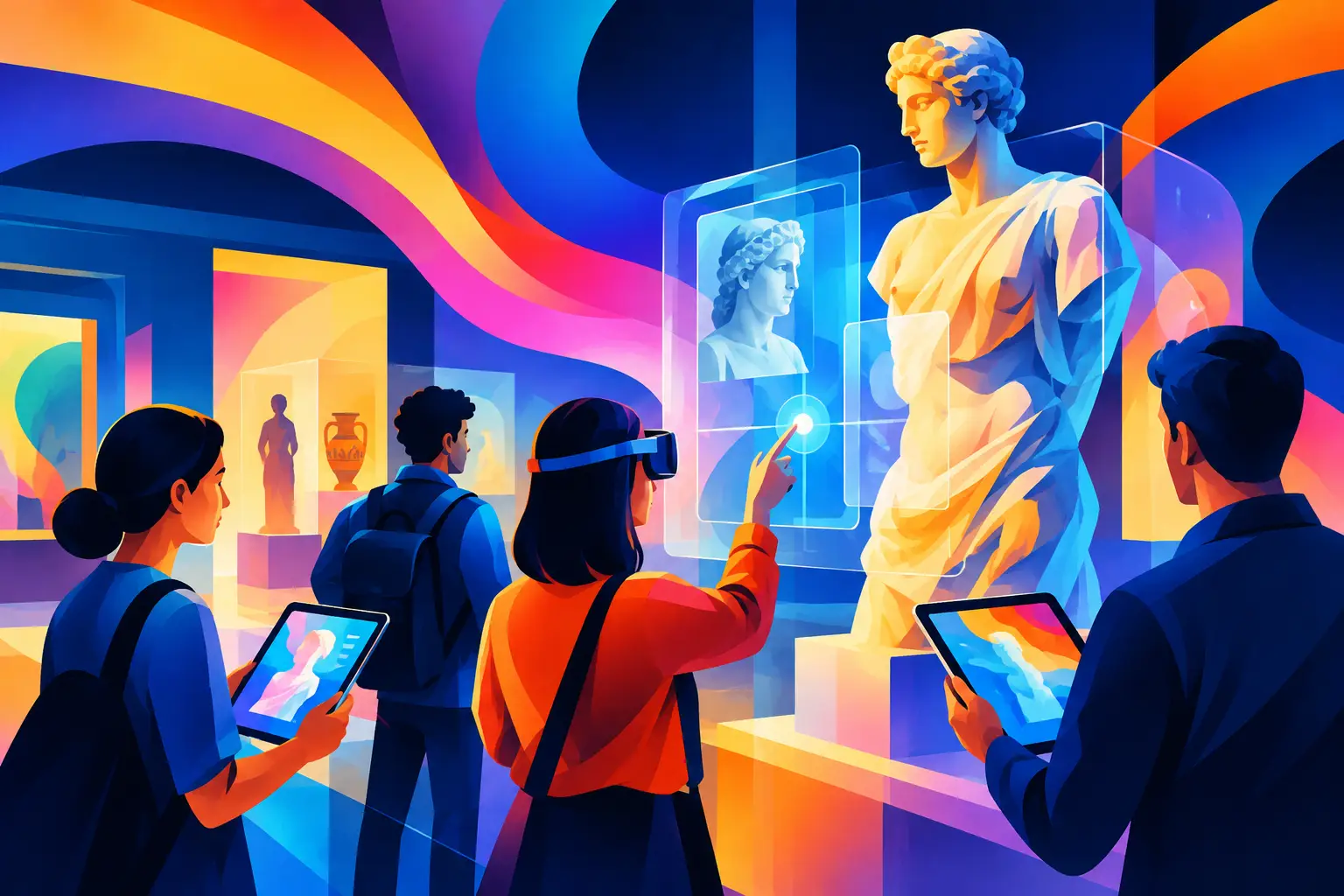
A touchscreen, projection wall, or VR headset does not make an exhibition interactive by itself. The interaction has to earn its place in the visitor journey: helping people explore an idea, make a choice, contribute a perspective, or understand a story from a new angle.
Knowing how to plan an interactive exhibition starts with that distinction. For museum and cultural-space teams, the brief is not simply to add technology to a gallery. It is to create interactive interpretation that supports approved curatorial content, works in the physical environment, and can be operated reliably throughout the exhibition period.
Start with the visitor action
Before selecting a format, define what visitors should actually do. A strong interactive exhibit asks for a meaningful action, then gives a relevant response. A visitor might compare historical images, assemble an object digitally, navigate a mapped landscape, hear different oral histories, make a curatorial choice, or explore a simulation of a process that cannot be safely displayed.
This decision shapes the entire project. If the goal is quiet reflection, a shared immersive projection may be more suitable than a high-energy game. If visitors need to understand a complex sequence, an interactive model or step-by-step touchscreen may be more useful than a large media wall. If families and school groups are central audiences, the interaction should support collaboration rather than require one person to control the experience for several minutes.
Write the intended action in plain language: “Visitors will compare how this place changed over time,” or “Visitors will identify the materials used in this craft.” This creates a practical test for every creative and technical decision that follows.
Set the interpretation goal before the technology
Interactive exhibition planning works best when curatorial and operational goals are agreed early. Start by identifying the main interpretive outcome. Is the exhibition introducing a collection, explaining a cultural practice, presenting research, preserving community stories, or helping visitors understand a location and its people?
Then define the audience context. A visitor arriving from a school tour behaves differently from a visitor spending an afternoon in a gallery. A destination venue may need fast, intuitive interactions for people passing through, while a museum exhibition can support deeper dwell time and layered content. In the UAE and GCC, language requirements, mixed-age groups, visitor flow, and local cultural context can all affect the format.
Technology should serve these decisions. AR can add contextual layers to a physical artifact. A digital table can support group discovery of maps, archives, or timelines. Projection can transform a room into an environmental story space. Kiosks may suit structured exploration where visitors need clear prompts and accessible content modules. None is automatically the right answer.
Decide what should remain physical
Some stories are strongest when visitors encounter original objects, material samples, architectural elements, or printed interpretation directly. Digital layers should not compete with those moments. They can provide context that an object cannot carry alone, such as animation, audio testimony, geographic scale, or alternate viewpoints.
A useful planning question is: what must visitors see in the room, and what can they explore through interaction? The answer helps avoid duplicating the same information across labels, screens, and projections.
Build a visitor journey, not a collection of installations
An exhibition can include several interactive moments, but each one needs a role. Map the journey from arrival to exit. Note where visitors first orient themselves, where they encounter the central story, where they pause, and where they may need a closing prompt or takeaway.
At the entry, interaction may focus on orientation. A wayfinding display, interactive map, or short introductory media piece can explain the exhibition structure without creating a queue. In the main gallery, a shared wall, object-linked digital station, or immersive environment can deepen the central narrative. Toward the end, an interactive reflection or content selection can help visitors connect what they learned to a broader theme.
Avoid placing every high-demand experience in one area. If several installations require visitors to stand close, the space can become congested. Consider sightlines, entry and exit paths, group circulation, seating, and the footprint required for staff access and maintenance.
This is where an exhibition plan becomes more than a content outline. It becomes an operating model for a real venue.
Scope content as a production system
Approved content is the foundation of interactive interpretation. Gather the available assets early: object records, images, film, audio, archival material, maps, text, translations, brand or institutional guidelines, and rights information. Identify what is final, what requires review, and what needs to be created.
Interactive projects often need content in formats that are not part of a conventional exhibition package. A touchscreen experience may need short decision prompts, image crops, metadata, audio clips, and concise explanatory responses. An immersive projection may require high-resolution visual assets, motion design direction, narration, sound design, and timing rules. A custom game needs clear learning logic as well as interface content.
Do not leave content approval until the final production stage. Create a review path with named stakeholders, review milestones, and criteria for approval. This is especially useful where interpretation includes sensitive histories, community voices, or multilingual material.
Design for different levels of attention
Visitors do not all engage in the same way. Some will spend 20 seconds at an installation; others will explore for several minutes. Structure content in layers: an immediate prompt, a short answer or reward, and deeper optional material for those who want it.
This approach helps an exhibit work at peak visitor times without reducing the value for more engaged audiences. It also gives curatorial teams a way to maintain depth without placing large blocks of text on every screen.
Select interaction formats for the environment
Once the visitor journey and content are clear, choose the interaction format around the venue conditions. Hardware selection is not only an aesthetic choice. It affects durability, mounting, power, network access, heat management, cleaning, lighting conditions, audio control, and ongoing support.
A bright atrium may limit projection visibility and favor LED displays or high-brightness screens. A quiet gallery may need directional audio, headphones, subtitles, or sound-off interaction. A large immersive room needs careful coordination of projection surfaces, playback systems, speaker placement, and visitor safety boundaries. A public-facing kiosk needs an enclosure, reliable touch performance, and an interface that can recover gracefully after unexpected use.
For installations with software, define what happens when connectivity drops, content needs an update, or a device restarts. A venue does not need a technically complex platform if a local playback system and scheduled content updates meet the requirement. Conversely, a networked platform may be appropriate where multiple exhibits, content management, or venue analytics need centralized oversight.
Plan operations from day one
The best exhibition concept can struggle if staff do not know how to open, monitor, clean, reset, and report issues with the installation. Include venue operations in planning workshops, not only at handover.
Document the daily startup and shutdown process, basic troubleshooting steps, contact escalation, replacement equipment requirements, and content update procedures. Establish whether a facilitator is needed during busy periods or whether the interaction must be fully self-guided. This depends on the experience: a complex collaborative activity may benefit from staff support, while a well-designed orientation station should usually work independently.
Physical details matter. Confirm cable routes, equipment access panels, ventilation, display mounts, speaker locations, and storage for any physical interaction components. If the exhibition travels or changes seasonally, modularity and installation time become central scope considerations.
Define measurement that supports decisions
Measurement should answer useful questions, not produce data for its own sake. For a cultural exhibition, the team may want to understand which content paths visitors select, how long they engage, whether an interaction is available during operating hours, or where queues form.
Choose measures based on the experience design. A shared projection may be observed through dwell patterns and staff feedback. A kiosk can record anonymous interaction events, such as selected languages, completed modules, or frequently explored themes. Use this information carefully and only where it aligns with the venue’s approved operational approach.
Qualitative feedback also matters. Ask front-of-house teams what visitors ask about, where people hesitate, and which instructions cause confusion. These observations can inform content refinements and software updates after launch.
Move from concept to a buildable scope
A buildable exhibition brief brings together visitor actions, interpretive goals, content requirements, spatial plans, technology choices, software behavior, hardware specifications, installation needs, and operating responsibilities. It should also identify decisions that remain open, such as final artifact selection, translation approvals, or venue construction dates.
For complex projects, a prototype can reduce uncertainty before full production. It may test interface behavior, interaction height, content pacing, projection scale, or group use in the actual environment. The purpose is not to overproduce a polished sample. It is to validate the choices that affect the visitor experience and deployment plan.
A well-planned interactive exhibition gives visitors a reason to participate and gives the venue a realistic way to sustain the experience. Start with the story people need to encounter, then make every screen, sensor, object, and space support that encounter.