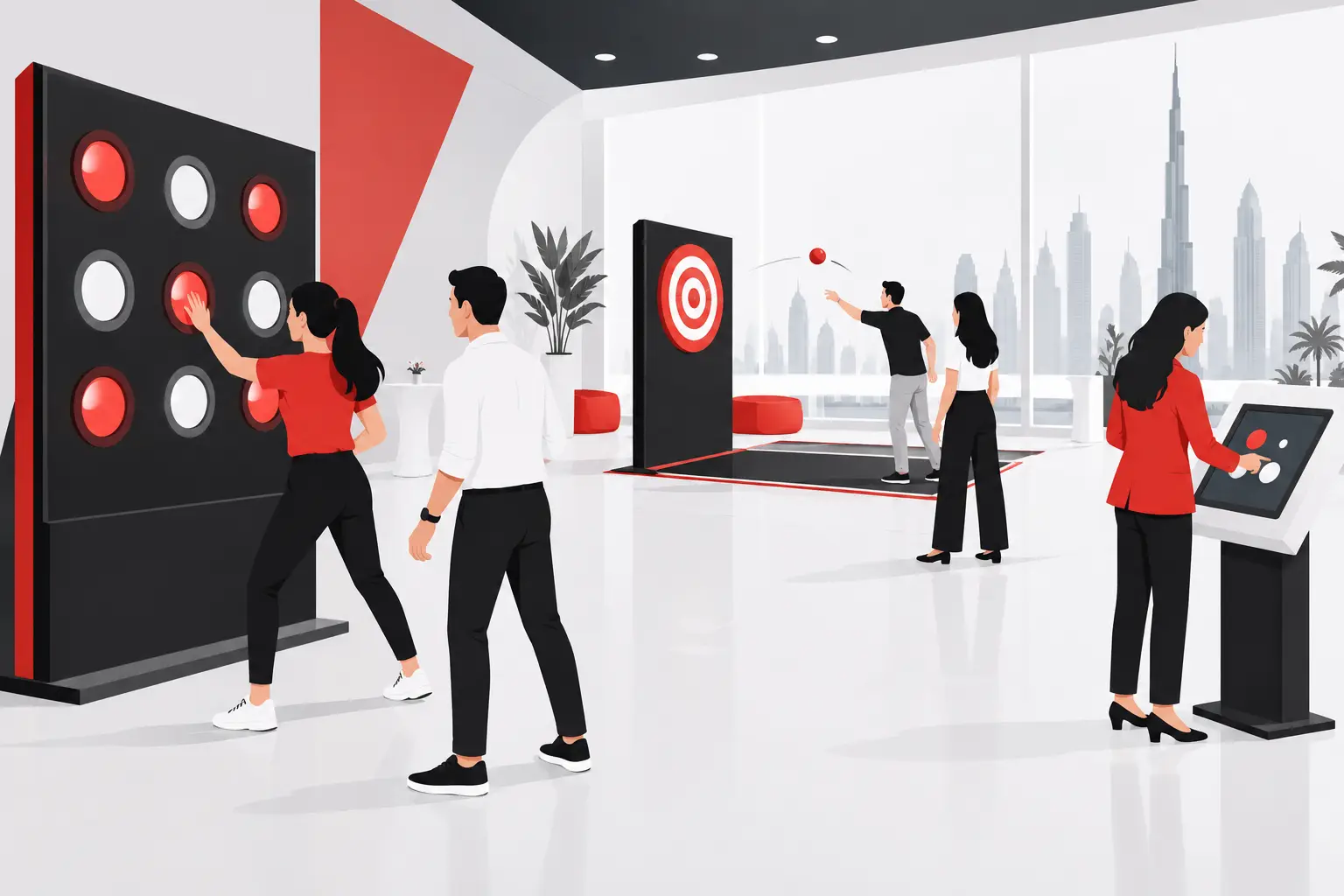
A museum team planning a new gallery often asks: should interpretation be digital, physical, or both? The direct answer is that an interactive interpretation guide should start with the visitor action you need, then select the right mix of objects, media, interfaces, and operational support. A screen is not automatically more engaging than a label, artifact, soundscape, or facilitator. It earns its place when it helps people notice, question, compare, contribute, or make a meaningful choice.
For museums and cultural spaces in the UAE and across the GCC, the brief is usually more complex than adding technology to an exhibition. Teams may need to translate approved curatorial content into a journey for mixed-age audiences, manage dwell time in a constrained gallery, support changing programs, and maintain a reliable experience during public opening hours. That calls for interpretation design, software, hardware, and deployment planning to work as one project.
What interactive interpretation is designed to do
Interactive interpretation turns a visitor from a reader or viewer into a participant. The interaction can be simple: selecting an image to reveal a layered story, matching a material to its historical use, or placing a question on a shared digital wall. It can also be spatial: walking through a projected landscape, activating a responsive installation, or using a kiosk to explore a collection at a chosen depth.
The purpose is not to make every story playful. Some subjects need quiet attention, careful context, or a low-stimulation environment. The best interaction format depends on the interpretive intent. A conservation gallery may benefit from a close-up comparison tool. A community-history exhibition may invite visitor responses. An architectural story may need a digital model that reveals changes over time.
A useful planning distinction is between interpretation and information. Information tells visitors what is present. Interpretation helps them understand why it matters and make a connection to it. Interactivity can support that connection, but only when each action has a clear narrative role.
Build the visitor action before choosing the technology
Start with one sentence: “After this moment, we want visitors to be able to…” The ending might be identify a pattern, hear multiple perspectives, understand a process, compare two eras, or share a reflection. This statement gives the creative and technical team a decision rule.
For example, a timeline of urban development could become a passive animated screen. It could instead let visitors choose a decade and see how transport, coastline, buildings, and everyday life changed together. The second option asks for more content structure and software logic, but it gives the visitor a specific role in the story.
Not every zone requires the same interaction depth. A gallery journey can combine a short introductory projection, object labels with concise interpretive prompts, one hands-on physical activity, and a deeper digital station for visitors who want more context. This layered approach protects the exhibition from becoming a row of competing screens.
Define the audience behavior in the real space
Visitor behavior is shaped by the environment as much as the interface. A family group may gather around a large interactive wall, while an individual researcher may spend longer at a seated touchscreen. A narrow circulation route changes what can be installed safely and where queues may form. Bright daylight can affect projection and display readability. Ambient audio may compete with adjacent exhibits.
Map the likely arrival point, decision point, interaction zone, and exit moment. Then consider who will use the experience at the same time. A single-user kiosk can work for a focused archive exploration, but it may frustrate a busy school group. A multiuser table or large-format display may better support shared use, although it needs more floor area and a stronger content model.
Content comes before interface polish
An interactive interpretation project needs approved source material, clear editorial ownership, and decisions about what can be simplified for an exhibition audience. Curatorial text, images, audio, maps, object records, archival footage, and 3D assets do not automatically translate into an interactive format. They need a narrative structure.
This usually means identifying the essential story, the optional depth, and the moments where a visitor choice changes what they see next. A well-designed experience does not place an entire archive behind a menu. It creates paths through the material while retaining accuracy and context.
Content teams should also decide how frequently information may change. If exhibitions rotate, events are added, or public contributions need moderation, the software should be scoped around those workflows. A content management process can allow authorized teams to update selected text, media, or schedules without rebuilding the entire experience. For a fixed exhibition with stable content, a simpler locked deployment may be more appropriate.
Language requirements should be identified early. Translation is not simply a final production step because text length, voiceover duration, interface layout, and reading direction can affect the design. The same applies to captions, transcripts, image credits, and rights clearance. These are project inputs, not finishing details.
Select an interaction format that fits the gallery
The format should follow the story and operating context. Touchscreens provide structured exploration and can support detailed content, but they require cleaning, accessible placement considerations, and a plan for shared use. Physical interactives can create tactile engagement, though their components need to withstand repeated handling. Projection can transform a large surface without adding visible hardware, but it depends on lighting control and sightlines.
AR can add an interpretive layer to an artifact or site without changing the physical display. It works best when the visitor has a clear reason to use a device and the experience is easy to start. VR can place visitors in a reconstructed environment or scenario, but headset management, hygiene procedures, staff supervision, and throughput need to be considered from the outset.
Interactive walls, floors, and LED environments can support groups and create visible activity within a venue. They are not always the right answer for sensitive material or reflective spaces. In those cases, directional audio, a focused digital lens, or a carefully designed physical reveal may carry the story with more restraint.
Scope the operating system, not only the exhibit
A visitor-facing installation is a live operating system with content, software, hardware, networking, power, mounting, and maintenance needs. Scoping only the screen or projection leaves critical questions unanswered.
The software layer defines what the experience does: user flows, language selection, media playback, data capture where appropriate, content updates, and recovery behavior after interruption. The hardware layer includes displays, computers, sensors, speakers, enclosures, cabling, and any interaction devices. Deployment connects these components to the actual venue through site surveys, installation sequencing, testing, and handover.
Reliability planning should be practical. Ask what happens if a device restarts, network access is unavailable, a sensor loses calibration, or a screen needs replacement. Some experiences can run locally without depending on a live connection. Others need controlled connectivity for updates or integrated systems. The right approach depends on the content, venue infrastructure, and operations team.
Analytics can be considered where they serve a defined evaluation question, such as which themes visitors select, how long they remain in a zone, or whether a group interaction attracts participation. These measures should be planned with the interpretation objective in mind. They are proposed evaluation tools, not evidence of achieved visitor outcomes.
An interactive interpretation guide for project scoping
Before requesting a concept or technical proposal, assemble a concise project brief. The following inputs reduce avoidable redesign and help align curatorial, operations, and technical decisions:
- The exhibition objective, core story, and approved content sources.
- Primary audiences, expected group sizes, and likely visitor flow.
- The available space, drawings, lighting conditions, power, network, and mounting constraints.
- Preferred interaction types, including any formats that are unsuitable for the subject or venue.
- Required languages, content approval process, and update responsibilities.
- Opening date, installation window, operational support expectations, and evaluation questions.
It is also useful to identify the decision-makers early. Curatorial teams protect accuracy and narrative integrity. Exhibition designers shape the physical journey. IT and facilities teams review infrastructure. Operations teams understand staffing, cleaning, and daily opening routines. Procurement teams need a scope that clearly separates design, production, installation, and support assumptions.
Know when a non-digital alternative is stronger
An interactive experience does not need electronics to create participation. A handling collection, mechanical model, guided prompt, object comparison station, or facilitated activity may be the better fit. These alternatives can reduce technical dependencies and create a direct relationship with materials, provided they are appropriate for the collection and venue.
Likewise, a digital installation may be unnecessary when a well-written label, strong artifact placement, or audio story already achieves the interpretive goal. The decision should be based on visitor action, available content, operational capacity, and the role of the experience within the wider exhibition.
PearlQuest can help museum and cultural teams translate those inputs into an interactive interpretation scope that connects approved content, custom software, relevant hardware, and venue deployment requirements. Share your project location, audience, space, objective, and timeline through the PearlQuest contact team. The strongest concept is usually the one that gives visitors a clear reason to participate, while giving the venue a realistic way to operate it every day.