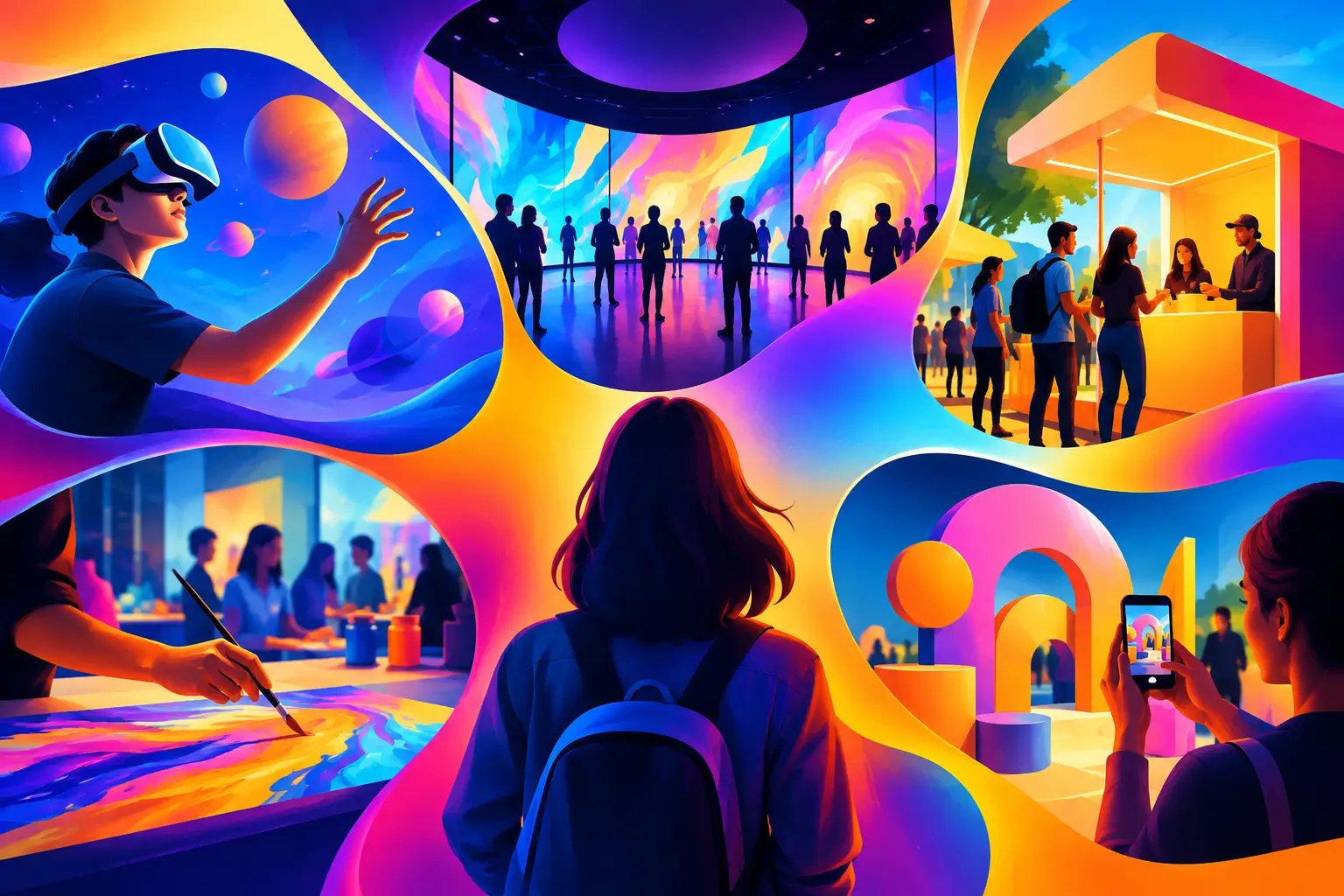
A visitor stops at a large interactive display, chooses a language, finds the next gallery or attraction, and receives a route on their phone. The experience continues as they move through the venue, but the technology does not compete with the place itself. This is the practical value of phygital experiences: they connect physical environments with digital interaction that helps people understand, navigate, participate, or act.
For venue and destination operators, the question is not whether to add more screens. It is whether a digital touchpoint has a clear job within the visitor journey. It may orient guests at an entrance, reveal layers of a story in an exhibition, direct people toward less busy areas, or invite participation in a branded moment. The strongest projects begin with that job, then define the content, interaction, software, hardware, and operating conditions required to deliver it.
What phygital experiences mean for venue teams
A phygital experience combines a physical setting, object, event, or movement with a digital layer. That layer can be an interactive kiosk, a projection environment, a mobile web experience, augmented reality, a responsive floor, an LED installation, or a connected game. It can also include operational systems behind the interaction, such as content management, device monitoring, analytics, and staff controls.
The physical component matters as much as the screen. A touch table placed beside a scale model invites a different behavior from a QR code on a wall. A projection that responds to movement can create a shared moment for a group, while a mobile interaction is more personal and can travel with the visitor. Neither format is automatically better. The right choice depends on dwell time, visitor volume, lighting, network availability, the level of staff support, and the action the venue wants people to take.
This distinction is useful because many digital projects fail at the handoff between concept and site reality. A visually strong interaction may be difficult to discover from across a busy lobby. A mobile experience may require a clear reason for visitors to use their own device. A kiosk may need a physical queue area, accessible mounting considerations, power, network access, ventilation, cleaning procedures, and a plan for content updates. Phygital planning brings those dependencies into scope early.
Start with the visitor action, not the technology
Technology labels can obscure the planning decision. Instead of starting with “we need AR” or “we need an AI installation,” define what a visitor should be able to do.
At a destination entrance, the action may be to choose a route based on available time, interests, and the location of key facilities. In a cultural space, it may be to explore a story at the visitor’s own pace without adding dense wall text. At a brand activation, it may be to create and share a personalized piece of content. In a public venue, it may be to understand a service or submit a response through a guided interaction.
Once the action is clear, the format becomes easier to evaluate. A large wayfinding display can support fast, shared orientation in a high-traffic area. A web-based game can extend engagement before or after a visit without requiring an app download. AR may be appropriate when digital content needs to sit directly over a real object, scene, or product. A scenario simulation may be more suitable for controlled enterprise training, where participants need to practice decisions rather than simply receive information.
The experience should also respect the visitor’s context. Someone standing in a transit-like flow has limited attention and needs direct instructions. A family exploring a destination may welcome playful discovery points. A museum visitor may want depth and choice. The same venue can require multiple interaction modes across its journey.
Design the physical and digital layers together
A phygital installation is a system, not a standalone interface. Its content and software need to account for the environment in which people will use it.
Consider an interactive wall used to introduce a venue’s story. The physical layer includes the display size, viewing distance, speaker placement, ambient light, equipment housing, cable routes, and the area where people can gather. The digital layer includes the interface, media assets, interaction logic, language options, idle-state behavior, and a way to return the system to a ready state after each use. If any part is treated as an afterthought, the visitor experience can become confusing or unreliable.
The same applies to mobile-connected experiences. A QR code or NFC prompt needs a visible placement and a clear value exchange. “Scan to learn more” is often too vague. “Choose your family route” or “Build your own collection story” gives the visitor a reason to engage. The mobile page must load quickly on common devices, use approved content, and remain useful when visitors move between indoor and outdoor areas.
For installations using sensors, cameras, or AI-driven responses, teams should define the input and output clearly. What does the system detect or receive? What is it allowed to display? What content has been approved? What happens if the input is unclear or unavailable? These questions guide a responsible, understandable interaction without making claims the system cannot support.
Four planning decisions that shape the project
Before design development begins, venue teams benefit from aligning on four practical areas:
- Journey placement: Identify the exact point in the visit where the experience appears, what comes before it, and what should happen afterward.
- Content ownership: Confirm who supplies text, imagery, video, translations, brand assets, and approvals, as well as how future updates will be managed.
- Technical environment: Review power, network, lighting, acoustics, mounting conditions, equipment access, and the expected operating hours.
- Operational model: Define daily startup and shutdown, staff guidance, cleaning, first-line troubleshooting, remote support expectations, and replacement procedures for relevant hardware.
These decisions affect both scope and design quality. For example, a permanent venue installation may justify integrated hardware and a managed content workflow. A short-term campaign may favor modular equipment and a focused interaction that can be deployed, staffed, and removed efficiently. A project delivered across the UAE or GCC may also need early coordination around site access, logistics, installation windows, and local content requirements.
Content is the experience, not a final upload
Interactive formats create attention, but content determines whether that attention becomes understanding. A visitor can tap, swipe, move, or scan without gaining anything useful if the story is unclear or the choices do not lead anywhere meaningful.
For interpretation projects, content should be structured around questions visitors are likely to have: What am I looking at? Why does it matter? How does this connect to the wider place or story? Digital interaction can reveal detail progressively, allowing a casual visitor to browse while giving an interested visitor deeper material. This approach can be more effective than placing every fact on a single screen.
For destination and public engagement, content often needs to be concise, multilingual where required, and designed for quick comprehension. Maps need consistent naming and accurate location data. Instructions need to describe a real next step. If a game awards a result, the result should connect to the event, venue, or campaign rather than exist as a disconnected novelty.
Approved content workflows are particularly important when multiple stakeholders are involved. Early agreement on copy, visual assets, language versions, rights, review stages, and update responsibilities prevents late changes from affecting software testing or installation schedules.
Measure what supports better operations
Venue analytics can help teams understand how an interaction is used, but data collection should follow the purpose of the experience. Useful measures may include session starts, completion paths, language selections, route choices, dwell time ranges, or the most selected content categories. These signals can help identify whether a wayfinding flow is clear, which stories attract interest, or where content needs revision.
Numbers alone do not explain the full visitor experience. On-site observation remains valuable. Are visitors noticing the installation? Do they understand how to begin? Are groups able to participate together? Does the interaction create congestion in a circulation route? Combining usage data with operational feedback gives teams a more practical basis for iteration.
The measurement plan should be designed alongside the interaction. If a team wants to understand route selection, the software needs defined route options. If it wants to compare content performance, the content structure needs consistent categories. Retrofitting analytics late can produce incomplete or hard-to-interpret data.
Build for the real operating day
The launch day is only the first operating day. A credible phygital project considers what happens after installation: content updates, hardware health, staff turnover, changes to the venue layout, and periods of higher visitor traffic. It also plans for the ordinary interruptions of a public environment, including a device restart, a network issue, or a visitor leaving halfway through an interaction.
This does not mean every project needs a complex technology stack. A focused digital wayfinding point with well-managed content may serve a venue better than an ambitious installation with too many dependencies. Likewise, a high-impact immersive environment may be appropriate when it has a clear narrative role, sufficient space, and an operating plan that matches the format.
PearlQuest Interactive scopes phygital projects as connected systems, bringing approved content, custom software, relevant hardware, and deployment requirements into one delivery plan. For venue teams, the most useful first conversation is usually not about a specific device. It is about the visitor moment that needs to work better, and the practical conditions that will make it work on site.