A safety procedure can look complete on a slide deck and still leave a team unprepared for the moment a decision must be made under pressure. The most useful training simulation project examples do not begin with a headset or a visual effect. They begin with a specific operating situation: what participants must notice, decide, communicate, and do when the stakes are real.
For enterprise learning, safety, and technical teams, a simulation is a controlled practice environment. It can be delivered through a desktop application, an interactive room, a physical control panel, virtual reality, or a combination of formats. The right choice depends on the task, the environment, the approved training content, and what needs to be assessed.
Why training simulation project examples matter in planning
Examples help a project team move from a broad request, such as improve emergency readiness, to a scope that can be designed and deployed. A useful example identifies the learner role, the scenario trigger, the critical choices, the feedback model, and the conditions needed to run the experience reliably.
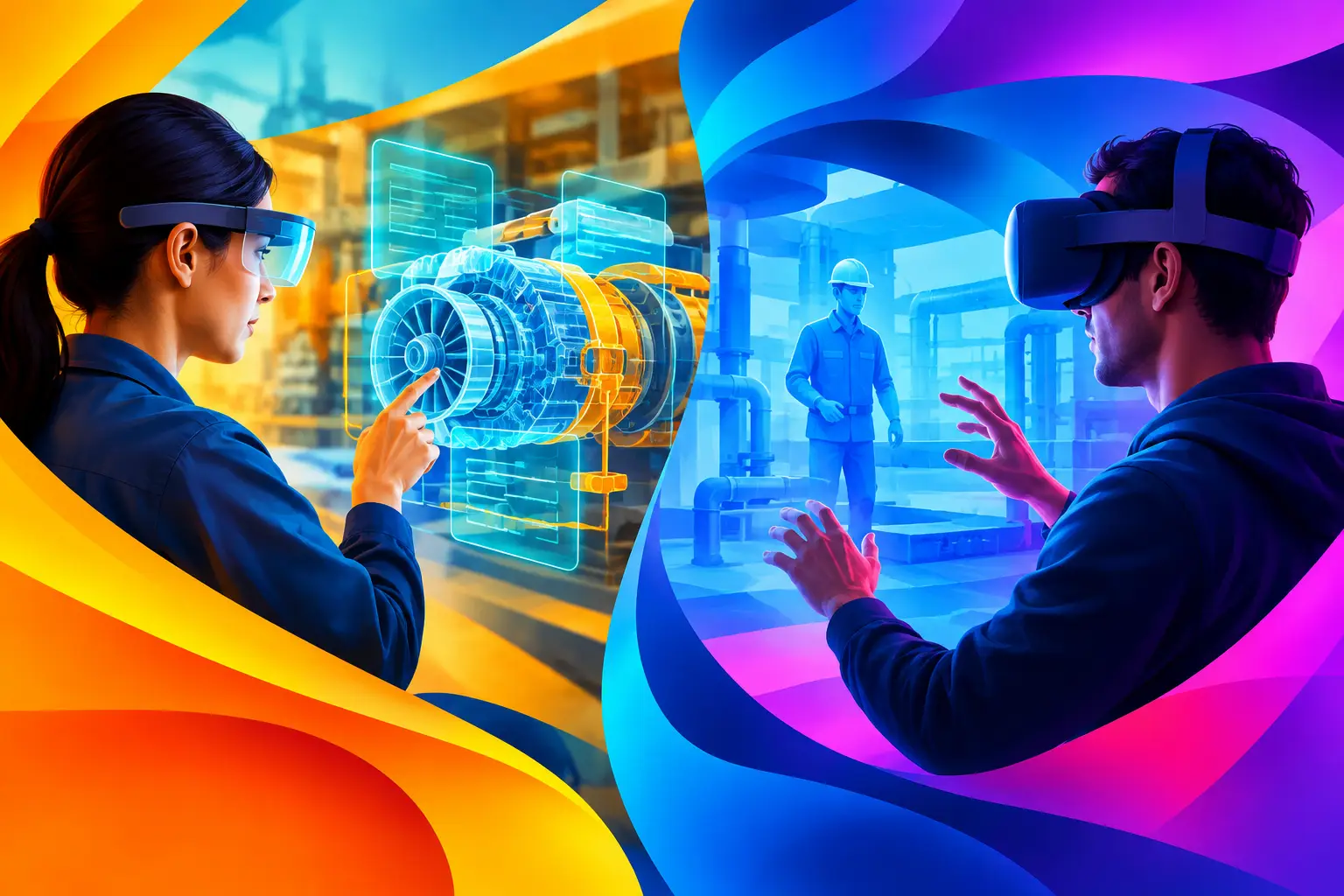
They also expose trade-offs early. A VR simulation may create a strong sense of spatial presence for a hazardous or hard-to-access environment, but it requires headsets, session management, hygiene procedures, and a suitable facilitator space. A touchscreen or desktop simulation can support larger groups with lower operational overhead, although it may not replicate movement through a physical setting. Neither approach is automatically better.
The following concepts are planning models rather than claims about client outcomes. Each can be adapted to the procedures, facilities, equipment, and learning objectives approved by an enterprise team.
Five training simulation project examples
1. Emergency response and evacuation scenario
An emergency response simulation places participants in a changing workplace situation. A trigger might be a reported smoke condition, equipment alarm, access-route obstruction, or conflicting information from different team members. The participant must identify what matters, follow the correct escalation path, select a safe action, and communicate clearly.
The experience can be structured as a branching scenario on a large display, tablets, or individual workstations. For spatial training, a VR version can recreate approved areas of a facility and introduce visual or audio cues at defined points. The content should be based on current procedures, site maps, approved terminology, and reviewed response steps.
Feedback works best when it is specific. Rather than simply labeling an answer correct or incorrect, the simulation can explain which cue was missed, what communication was needed, or how a decision affected the next stage. A facilitator view can support group discussion after each run.
2. Digital twin operations practice
A digital twin is an interactive digital representation of a physical asset, process, or environment. In a training context, it does not need to model every component. It needs to represent the equipment states, controls, dependencies, and fault conditions relevant to the learning objective.
For example, an operator could work through a startup sequence for a pump system, production line, building-management interface, or utility process. The simulated controls respond to participant inputs. If a step is skipped, the system can show the operational consequence within the defined model and prompt the learner to diagnose the issue.
This format is particularly useful where live practice would interrupt operations, require equipment access, or introduce unnecessary risk. It is also useful for onboarding teams before they access a real control environment. The design team needs approved process diagrams, interface references, operating sequences, fault cases, and subject-matter review. Without that input, a digital twin can look convincing while teaching the wrong behavior.
3. Field service troubleshooting simulation
Field teams often need to combine technical judgment with clear customer communication. A troubleshooting simulation can present a realistic service call: an asset is not performing as expected, the available information is incomplete, and the customer needs an understandable explanation of next steps.
Participants can inspect simulated readings, review a service history, ask guided questions, select diagnostic actions, and decide whether the issue can be resolved on site or requires escalation. The scenario can assess sequence, not just final answers. Did the technician make the area safe? Did they verify the reported fault? Did they record the necessary information before closing the task?
A tablet-based format may fit this use case well because it reflects the device and pace used in many field workflows. If physical handling is essential, the software can be paired with a training rig, mock equipment panel, or tagged components. The interaction design should reflect the actual tools learners are expected to use, not add complexity for its own sake.
4. Control room decision-making exercise
Control rooms require teams to interpret signals, prioritize actions, and coordinate across roles. A simulation can create a shared decision environment using a projection wall, LED display, interactive table, or workstation setup. Participants receive data feeds, alerts, maps, and communications that change as the scenario develops.
One example is a staged incident involving a service disruption, a developing equipment issue, and incoming stakeholder updates. The learning objective is not to create panic. It is to practice role clarity, escalation discipline, handovers, and the use of approved operating procedures when several demands compete for attention.
This format benefits from a scenario controller. A facilitator can introduce events at the right moment, observe participant decisions, and pause the exercise for discussion. The software should log relevant interaction points, such as selected actions and response times, only where those measures are useful to the training design. A post-session review should focus on decisions and process, not on collecting data that has no defined training purpose.
5. Customer-facing incident role-play
Not every high-pressure situation is technical. Frontline teams may need to manage queues, explain a service disruption, respond to an upset visitor, or coordinate support during an unexpected event. A role-play simulation can combine on-screen prompts, timed decisions, and facilitated conversation.
For a venue, hospitality, or customer service environment, the scenario might show changing visitor needs across a busy period. Participants choose how to direct people, when to involve another team, and how to give accurate information without making unsupported promises. The experience can use an interactive floor plan, kiosk interface, or shared screen to make the operating context visible.
The key is to assess behavior that can be observed and discussed. Clear language, correct escalation, awareness of the environment, and adherence to approved service guidance are more useful measures than a generic score.
How to turn a simulation example into a scoped project
A project becomes easier to plan when the team documents the scenario before selecting technology. Start with the audience. Define whether participants are new hires, experienced operators, supervisors, field personnel, or cross-functional incident teams. Their existing knowledge and the consequences of error will shape the level of realism required.
Next, write the scenario in operational terms. Specify the trigger, available information, decisions, actions, communication points, and end condition. Identify what can be safely represented through media, software logic, physical props, or facilitated discussion. This is where subject-matter experts are essential: they validate that the simulation reflects current procedures rather than assumptions.
Then determine the delivery environment. A permanent learning center can support installed displays, dedicated simulation stations, and integrated physical interfaces. A mobile training program may need portable hardware, offline operation, rapid setup, and content that works across varied spaces. For a distributed workforce, browser-based or desktop delivery may be the practical choice.
Finally, define how the experience will be run. Consider group size, session length, facilitator responsibilities, equipment storage, device charging, reset time between groups, technical support, and content update ownership. These deployment requirements often determine whether a concept is practical at scale.
Design the feedback, not just the scenario
A simulation is most valuable when participants can understand the effect of their choices. Feedback can appear during the experience, after a decision point, or in a structured debrief. The right timing depends on the learning goal. Immediate feedback may suit procedural practice, while delayed feedback can preserve realism in a team-based incident exercise.
The feedback model should connect directly to approved content. If a participant selects an incorrect action, explain the operational reason and show the relevant next step. If the scenario has several acceptable paths, the design should reflect that nuance rather than force a single artificial answer.
PearlQuest Interactive can help enterprise teams translate approved operating content into an immersive training and scenario simulation scope that accounts for software, relevant hardware, physical environment, and delivery operations.
The strongest starting point is usually one well-defined moment of work: a decision that matters, a procedure that needs practice, and a team that needs a safe place to rehearse it before the real situation arrives.