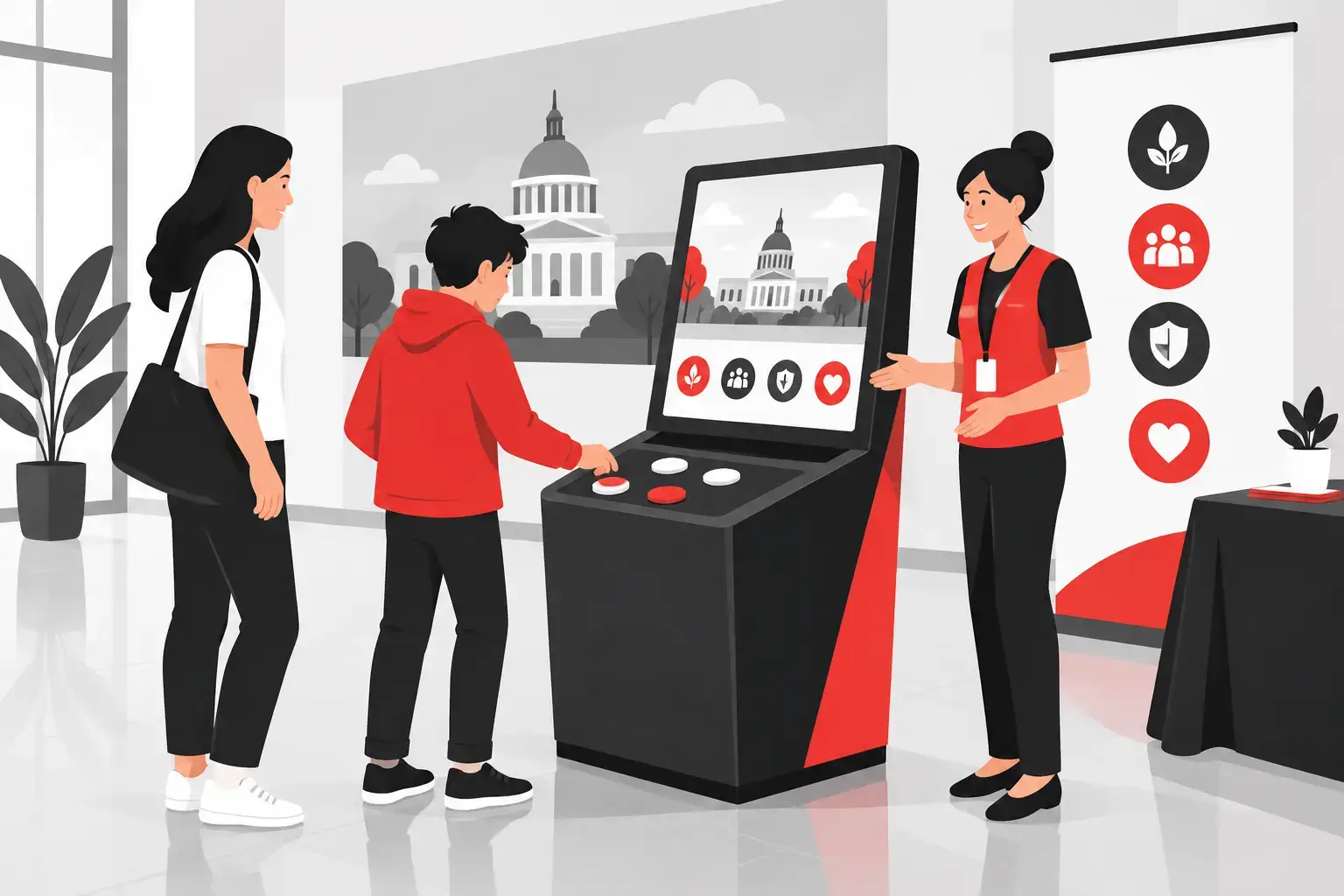
A venue operator planning an interactive wall, kiosk, or projection experience usually asks one practical question: what makes interactive displays reliable when visitors start using them every day? The direct answer is that reliability comes from the whole system, not from selecting a screen with impressive specifications. Audience behavior, content design, software recovery, hardware selection, installation conditions, and operating ownership all need to work together.
For public venues, reliability means the experience is available when expected, responds in a way visitors understand, and can be supported without disrupting the space. A display that powers on but presents confusing content, loses its network connection, or requires specialist intervention after a minor issue is not dependable in operational terms.
What Makes Interactive Displays Reliable?
An interactive display is a connected experience rather than a single product. The visible layer may be an LED wall, touchscreen, projection surface, or kiosk. Behind it are media players, sensors, controllers, network connections, content-management tools, custom software, power distribution, mounting, and a physical environment that affects every component.
The weakest dependency can determine the visitor experience. For example, a well-built touchscreen interface may still fail the venue if its content waits for an unavailable online service before showing a first screen. A projection game may have strong visuals but become difficult to operate if its sensor position changes after ceiling work. Reliability planning identifies these dependencies early and gives each one a clear response path.
For a museum gallery, a dependable display may prioritize quiet operation, controlled startup, and content that remains accurate over a long exhibition period. For a visitor attraction, it may prioritize quick replay between groups and an interface that can withstand repeated, unsupervised use. For a corporate visitor center, branded presentation, staff control, and scheduled content updates may carry more weight. The specification should reflect the operating purpose, not a generic technology checklist.
Start With the Audience Action
Reliability begins with a precise description of what a person should do. “Engage visitors” is too broad to guide interface, hardware, or support decisions. A useful brief states the action: select a topic, explore a map, trigger a motion-based scene, compare options, complete a challenge, or start a guided simulation.
That action determines the interaction method. Touch works well when visitors need deliberate control and can stand close to a display. Gesture or motion tracking can suit open areas, but it needs clear detection zones and content that explains how to begin. Physical buttons, tokens, or sensors can make an experience intuitive for mixed audiences, while adding mechanical and maintenance considerations.
The more steps required before a visitor sees a meaningful response, the more likely an unattended experience will feel unreliable. Good interaction design gives immediate feedback, makes the starting point obvious, and includes a clear way to return to the home state. This is not only a usability issue. It reduces the likelihood that staff must reset an experience after incomplete or unexpected interactions.
Design for the real visitor, not the demonstration
A display in a sales demonstration is often used by someone who has been briefed. In a venue, visitors may arrive in groups, carry bags, approach from different directions, or interact for only a few seconds. Children may press multiple areas at once. A visitor may walk away mid-journey. Staff may need to explain the experience during busy periods.
Content should handle those conditions. It needs a visible attract state, concise on-screen instructions, sensible timeouts, and a predictable reset sequence. If multiple people can participate, the design should state whether the system supports shared interaction or is intended for one person at a time. Defining these limits upfront prevents a technically functioning display from being judged unreliable by its audience.
Specify Hardware for the Space
Hardware reliability depends on environmental fit and service access. Screen brightness, enclosure design, mounting, cooling, cable protection, and power requirements should be assessed against the actual site rather than a floor plan alone.
A lobby with changing daylight has different display needs from a controlled gallery. A high-traffic attraction needs appropriate protection from accidental impact and space around the interaction zone. Equipment placed inside joinery needs ventilation and access panels so technicians can reach components without dismantling finishes. In UAE venues, site conditions can also change significantly between an air-conditioned interior, an entrance area, and an outdoor-adjacent space.
Commercial-grade equipment may be appropriate where planned operating hours, heat management, or serviceability justify it. That does not mean every installation requires the same level of hardware. A short-term branded activation, a permanent exhibit, and an enterprise training room have different duty cycles and replacement expectations. The right decision follows the intended operating pattern and the consequence of downtime.
Hardware selection should also account for the parts people rarely see. Media players need accessible ports and a defined replacement approach. Sensors need stable positions and protected cabling. Network equipment needs a clear ownership boundary. Power should be considered as part of the system, including what happens after an outage and how equipment restarts.
Build Software That Can Recover
Reliable interactive software has a controlled startup process, monitored dependencies, and a safe state to return to after an interruption. The goal is not to assume that faults will never occur. It is to make common recovery actions straightforward.
For many venue installations, that means the software launches automatically after power returns, starts in the intended mode, and resets to an attract screen after inactivity. Where a system uses online content or external data, the team should decide what visitors see if that connection is unavailable. A locally stored fallback experience may be more suitable than a blank screen or an error message.
Content management is another operational decision. Staff may need the ability to change campaigns, schedules, languages, or event messages without altering the application itself. On the other hand, unrestricted editing can introduce errors. Define who can publish content, what approvals are needed, and whether changes should be tested before going live.
Custom software can support distinctive visitor journeys, data capture where appropriate, integrations, and tailored interaction logic. It also needs documentation of its operating modes and dependencies. A handover should explain what the venue team can do independently, what requires technical support, and what information is useful when reporting an issue.
Plan Installation and Commissioning as Part of the Experience
A dependable display can be undermined by an installation that ignores sightlines, acoustics, lighting, or circulation. Site surveys should confirm the real dimensions, structural conditions, available power, network route, mounting points, ambient light, and visitor approach paths. These inputs affect both performance and maintainability.
Commissioning is the point where the physical environment, software, and content are tested together. It should include normal visitor use, restart behavior, sensor calibration where applicable, media playback, and staff operation. Testing only the visual output is not enough. The team should also test what happens when a visitor leaves midway, when the system is restarted, or when a connection is temporarily unavailable.
For an immersive installation, sound bleed and lighting changes may affect the intended experience. For a touch kiosk, mounting height, screen angle, and queue position affect practical use. For interactive floors and walls, calibration zones must match the visible content after final construction work. These are deployment details, but they are central to perceived reliability.
Give Operations a Clear Support Model
The venue team needs an operating routine that matches its capability and staffing. A daily check might confirm that screens are active, content is current, interaction inputs respond, and the physical area is clear. More technical checks can be scheduled around filters, alignment, software updates, or component inspection, depending on the system.
Define escalation before launch. Identify who resets equipment, who owns the network connection, who has access to admin controls, and how issues are recorded. A simple issue log can reveal repeat patterns, such as failures at a particular time, after a power event, or following content updates. That evidence is more useful than treating every incident as isolated.
Evaluation measures should be agreed separately from any claimed outcome. A venue may choose to monitor availability during opening hours, the number of completed interactions, reset frequency, staff intervention, or visitor dwell patterns. The appropriate measures depend on the objective and should be designed around the experience, not added as an afterthought.
A Practical Scoping Checklist
Before commissioning an interactive visitor engagement project, establish the location and installation type, target audience, expected visitor flow, core action, operating hours, content owner, available power and network, environmental conditions, maintenance access, launch date, and internal support contacts. Also clarify whether the experience must operate without a live connection, how it should behave after a restart, and what changes staff need to make over time.
Published portfolio evidence can help buyers assess whether a delivery partner has experience with comparable interaction formats. Review examples for the actual scope shown, such as a kiosk, immersive story space, interactive wall, gamified campaign, or simulation, rather than assuming one format demonstrates capability in all others.
PearlQuest scopes interactive experiences by connecting approved content, custom software, relevant hardware, and deployment requirements into one project plan. For a project discussion, contact PearlQuest with your location, audience, space, objective, timeline, and any operational requirements. The most useful reliability decision is often made before equipment is ordered: define how the experience must work on an ordinary busy day, then design the system around that reality.